Braiv Connect: Descripción general
¡Bienvenido a Braiv Connect!
Braiv Connect es el motor de publicación e integración automatizada para tu estrategia de canales multilingües. Al conectar tus canales de distribución de video directamente a Braiv, puedes publicar videos localizados automáticamente, sincronizar traducciones y enviar títulos, descripciones y pistas de audio optimizados para SEO con un solo clic.
Esta descripción general actúa como tu mapa para conectar y gestionar tus integraciones de canales externos.
Conectando tus canales
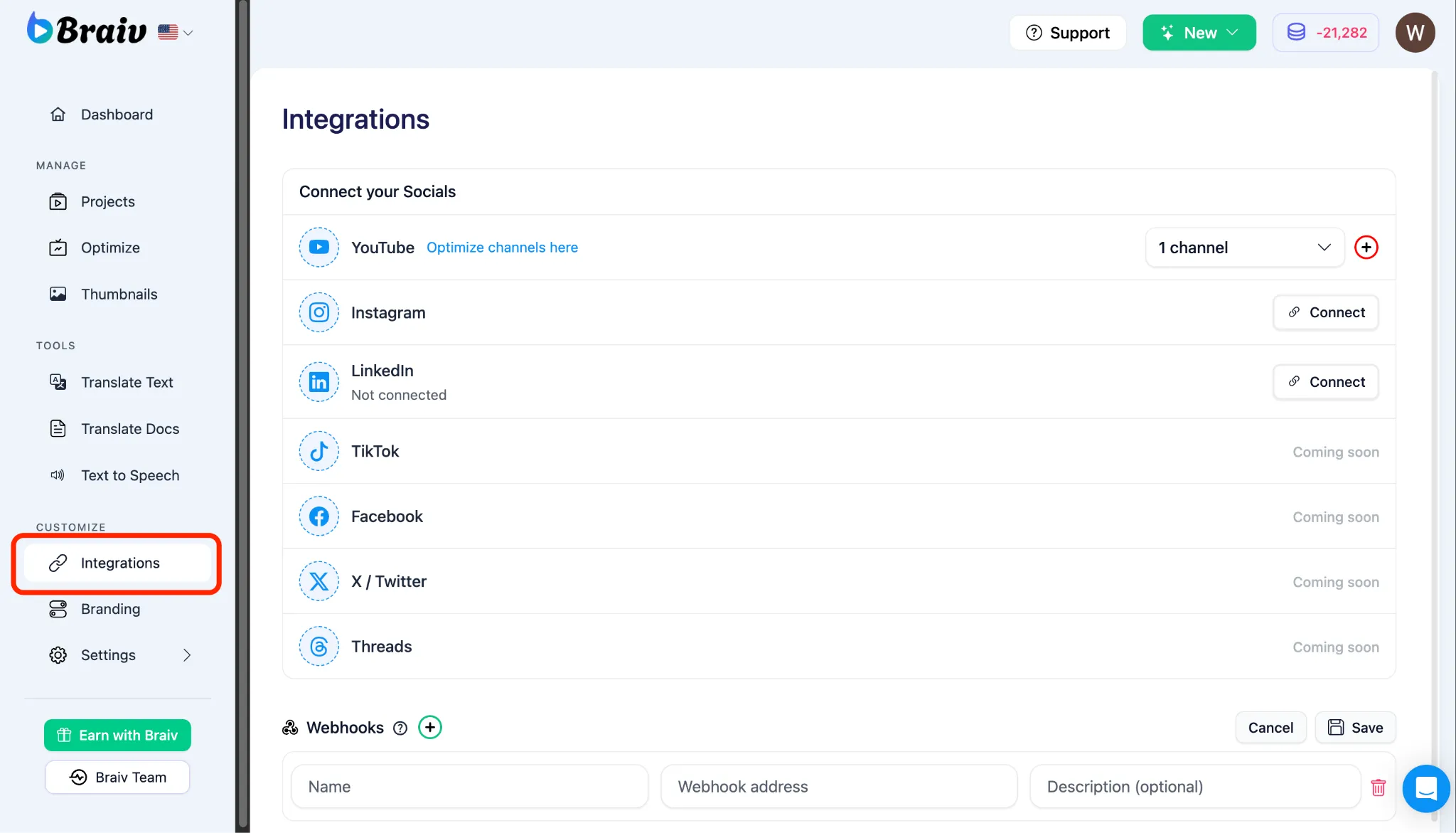
Sección titulada «Conectando tus canales»Antes de poder autopublicar o importar videos, debes vincular tus canales de distribución de video.
- Menú de Navegación Izquierdo: Ve a tu panel de control y selecciona Canales (etiquetado como
/channelsen la URL de tu navegador). - Integraciones y Conexiones de YouTube: Sigue nuestra guía paso a paso para autenticar y vincular de forma segura tus canales de YouTube, permitiendo que Braiv gestione tus metadatos y sincronice los activos de video.
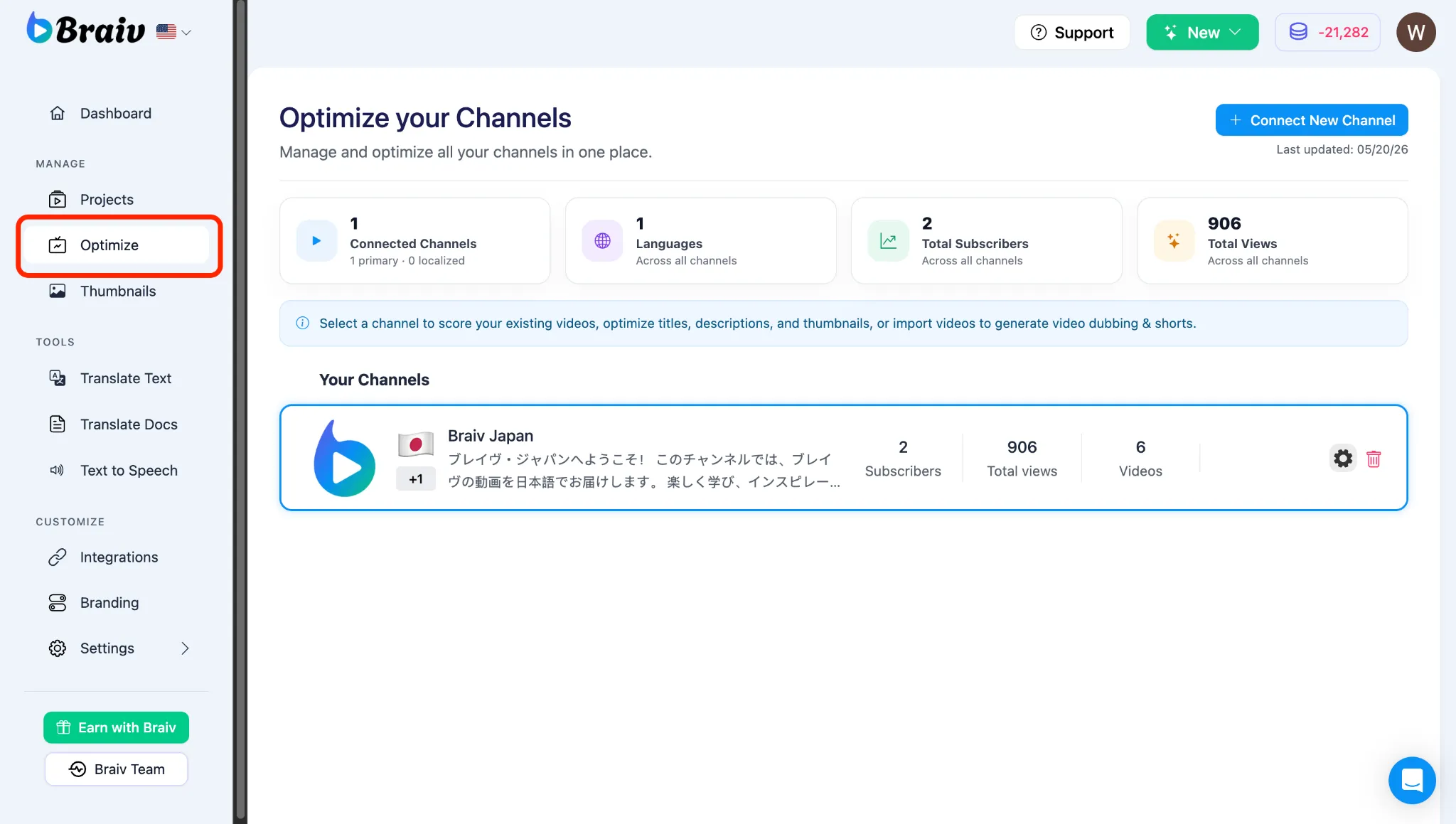
Publicando y gestionando contenido
Sección titulada «Publicando y gestionando contenido»Una vez que tus canales estén vinculados correctamente, podrás controlar cómo se publica tu contenido localizado al público.
- Publicar video en plataformas externas: Aprende a activar la secuencia de autopublicación para enviar títulos localizados, metadatos y pistas de audio directamente a tus canales conectados.
- Configurar la privacidad de YouTube para la publicación: Comprende cómo configurar el estado de privacidad inicial de tu video (Privado, No listado o Público) al implementar tus borradores de video localizados en YouTube.