Braiv Connect: Visão Geral
Bem-vindo ao Braiv Connect!
Braiv Connect é o motor automatizado de publicação e integração para sua estratégia de canais multilíngues. Ao conectar seus canais de distribuição de vídeo diretamente ao Braiv, você pode publicar automaticamente vídeos localizados, sincronizar traduções e enviar títulos, descrições e faixas de áudio otimizados para SEO com um único clique.
Esta visão geral serve como seu mapa para conectar e gerenciar suas integrações de canais externos.
Conectando Seus Canais
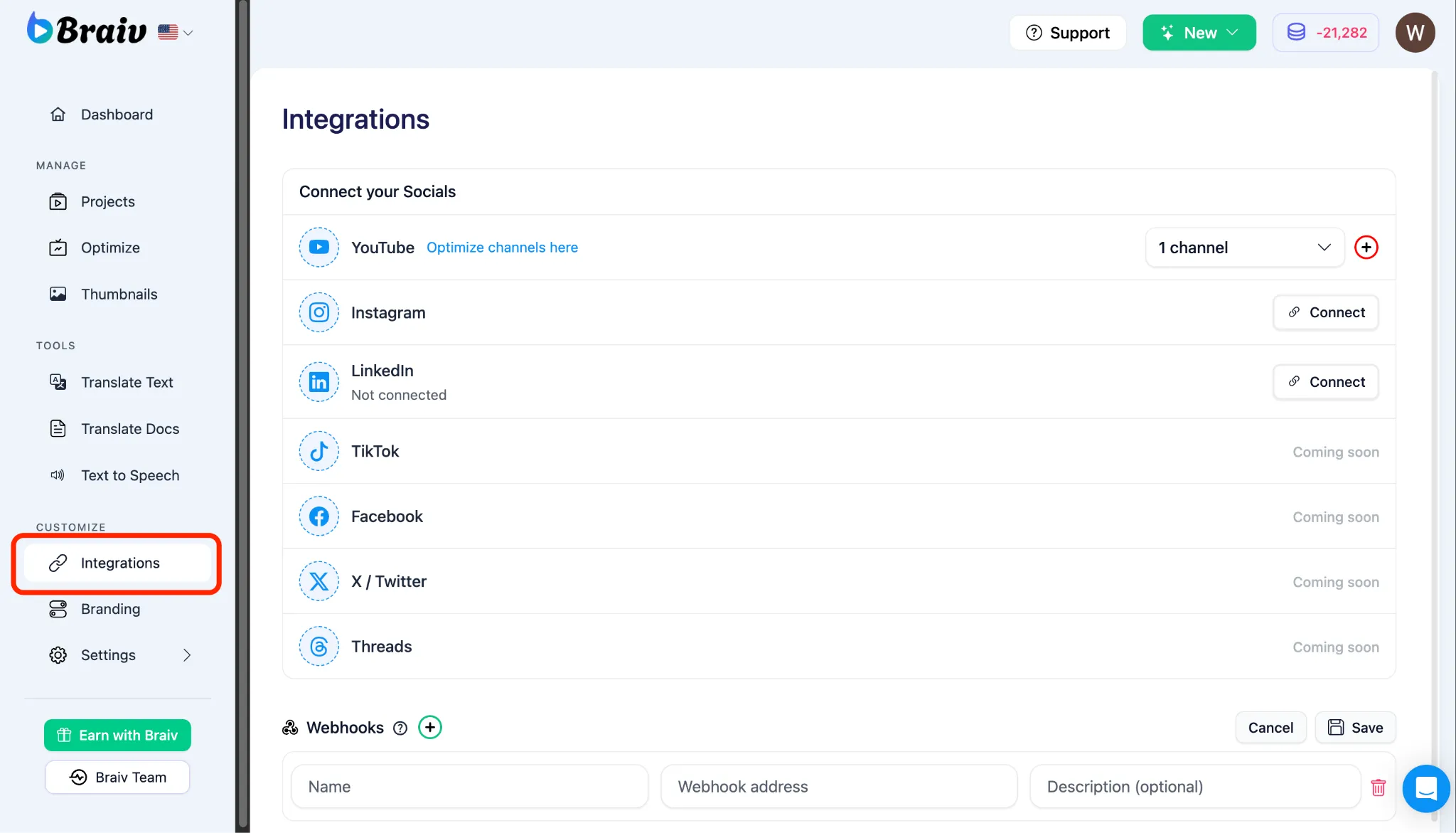
Seção intitulada “Conectando Seus Canais”Antes de poder publicar automaticamente ou importar vídeos, você deve vincular seus canais de distribuição de vídeo.
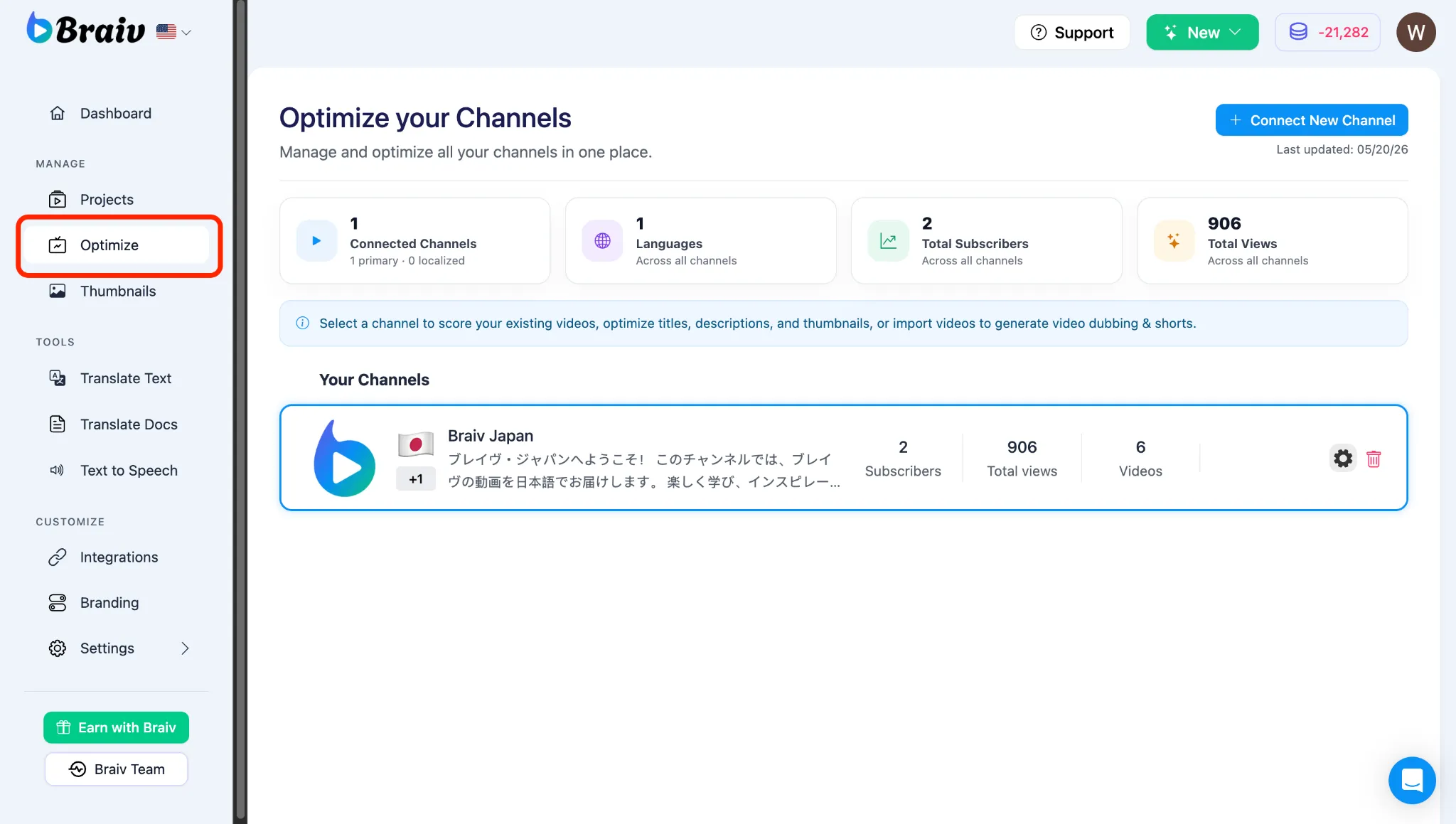
- Menu de Navegação Esquerdo: Vá para o seu painel e selecione Channels (rotulado como
/channelsno URL do seu navegador). - Integrações e Conexões do YouTube: Siga nosso guia passo a passo para autenticar e vincular com segurança seus canais do YouTube, permitindo que o Braiv gerencie seus metadados e sincronize ativos de vídeo.
Publicando e Gerenciando Conteúdo
Seção intitulada “Publicando e Gerenciando Conteúdo”Uma vez que seus canais estejam vinculados com sucesso, você pode controlar como seu conteúdo localizado é enviado ao público.
- Publicar Vídeo em Plataformas Externas: Saiba como acionar a sequência de publicação automática para enviar títulos, metadados e faixas de áudio localizados diretamente para seus canais conectados.
- Definindo a Privacidade do YouTube para Publicação: Entenda como configurar o estado de privacidade inicial do seu vídeo (Privado, Não Listado ou Público) ao implantar seus rascunhos de vídeo localizados no YouTube.