Braiv Player: Descripción general
¡Bienvenido al Braiv Player!
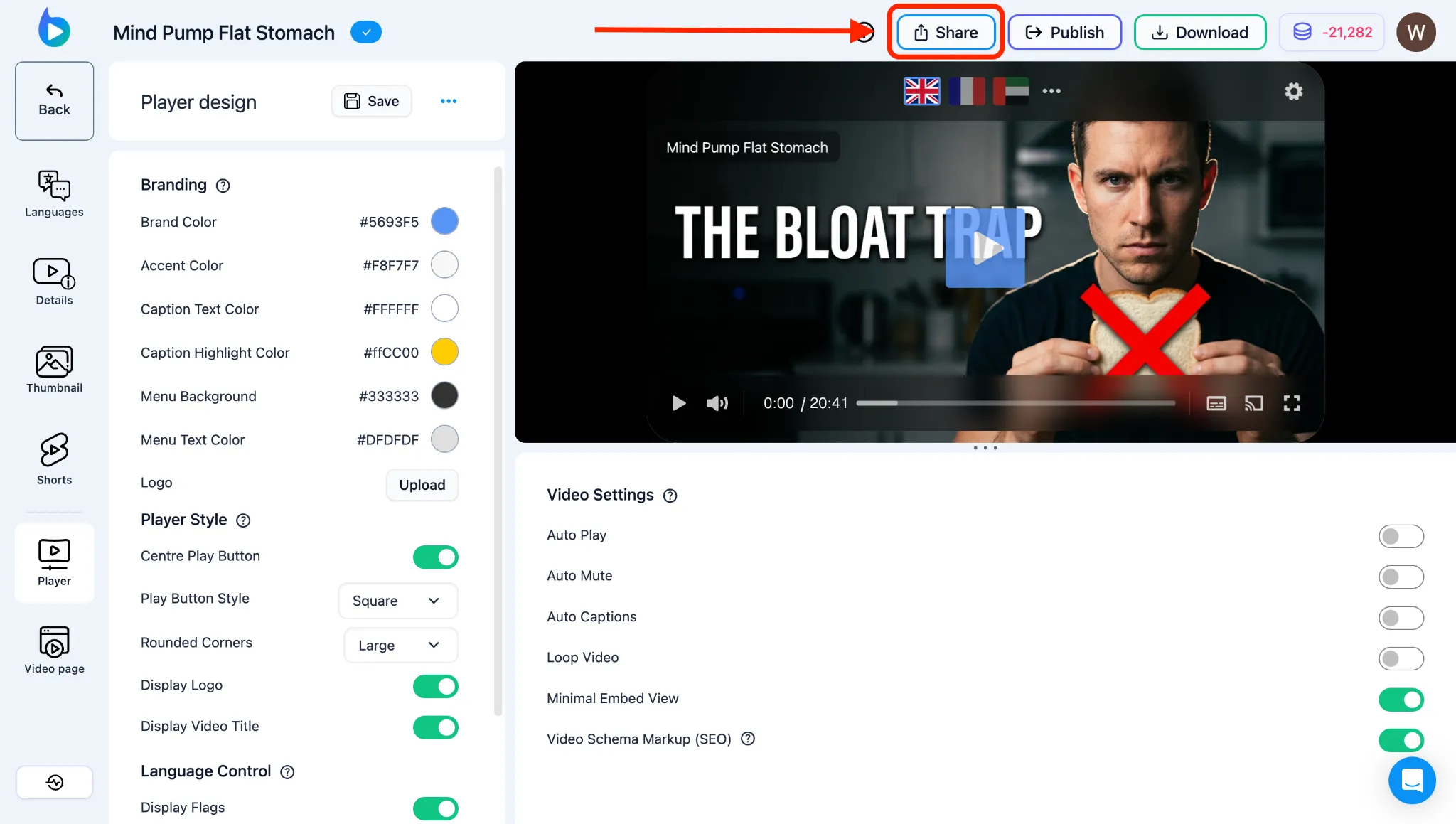
El Braiv Player es el primer reproductor de video interactivo y multilingüe del mundo diseñado para audiencias globales. Permite a los espectadores cambiar entre idiomas de audio, clonar pistas y subtítulos localizados con un solo clic. Puedes personalizar completamente la apariencia del reproductor, marcarlo con tu propia identidad y compartirlo o incrustarlo en cualquier página web.
Esta descripción general actúa como tu mapa para personalizar y distribuir tu reproductor.
Personalizar tu reproductor
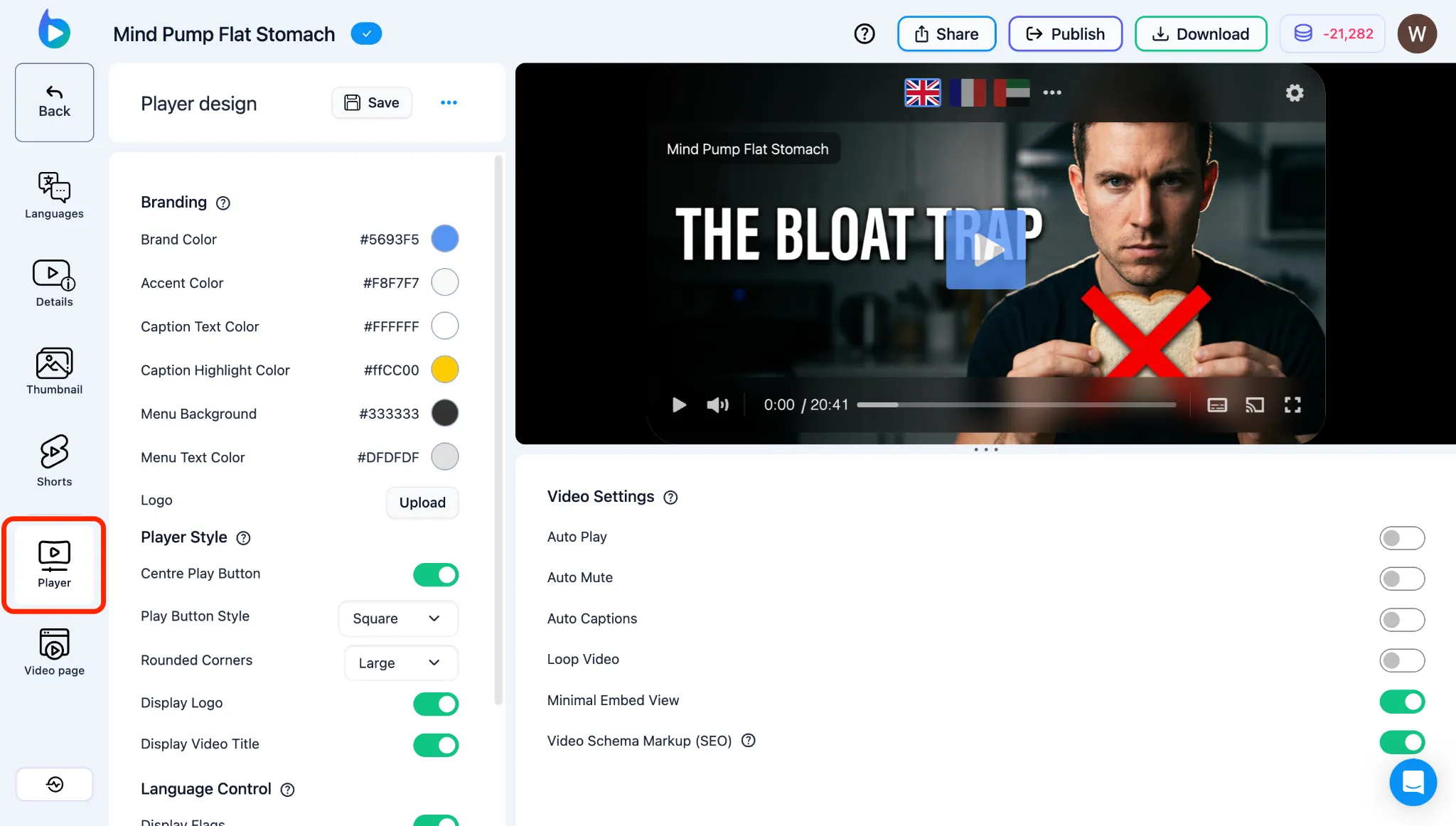
Sección titulada «Personalizar tu reproductor»Puedes personalizar fácilmente la apariencia y el comportamiento de tu reproductor para que coincida con la estética de tu sitio:
- Personalizar el diseño de Braiv Player: Cambia los colores primarios y secundarios del reproductor para que coincidan con tu marca, añade el logotipo de tu empresa directamente en el lienzo del video y oculta o muestra elementos de control específicos.
- Configurar la reproducción de Braiv Player: Gestiona la configuración activa, como el comportamiento de reproducción automática, el inicio en silencio (silencio automático), la repetición o la activación de una interfaz de reproductor minimalista.
- Ver traducciones en el reproductor: Configura y previsualiza el selector de idioma, los subtítulos personalizados y las banderas para que tus espectadores puedan cambiar las traducciones al instante.
Compartir e incrustar
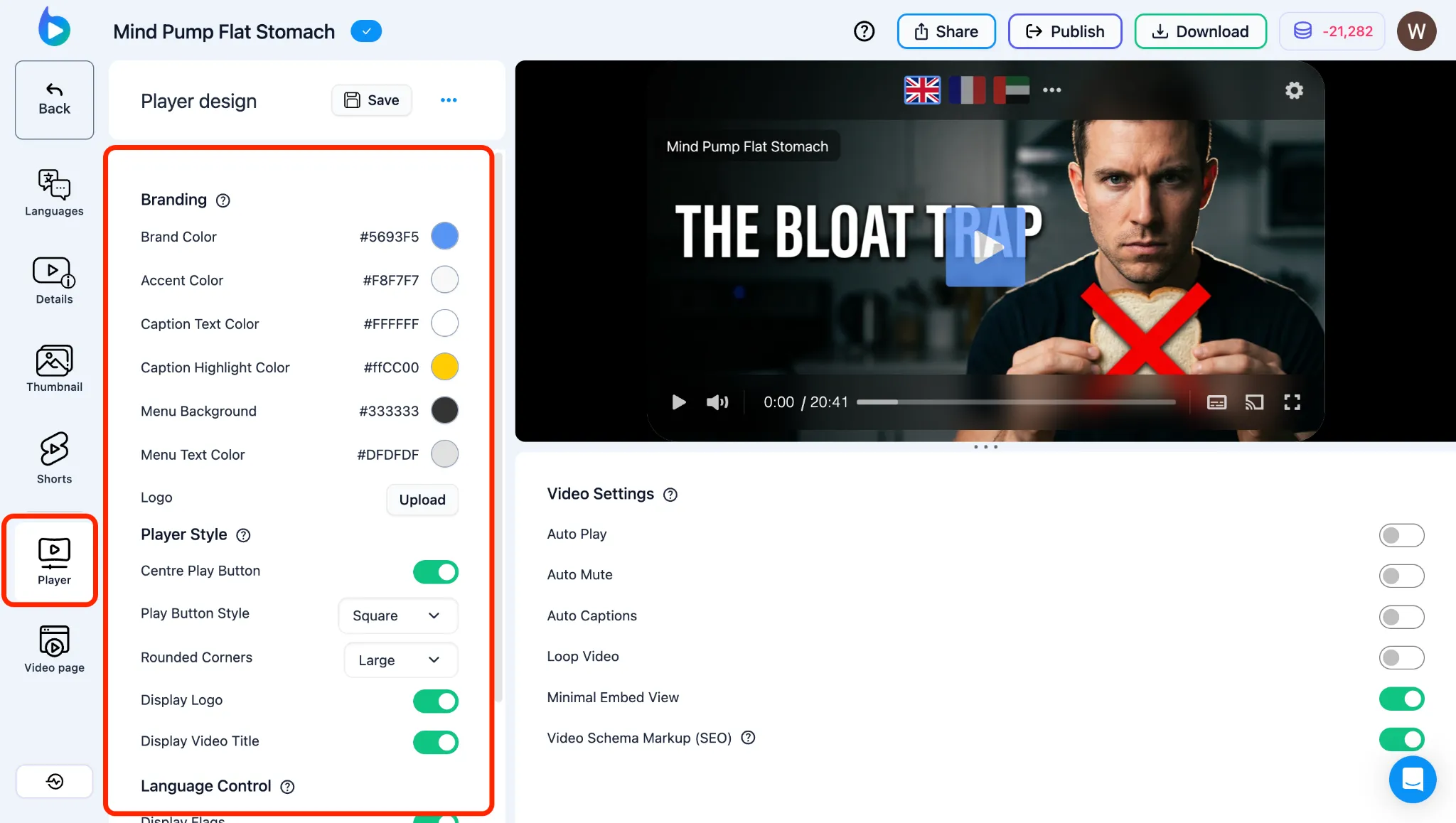
Sección titulada «Compartir e incrustar»Una vez que tu video esté localizado, puedes distribuirlo a través de dos vías principales:
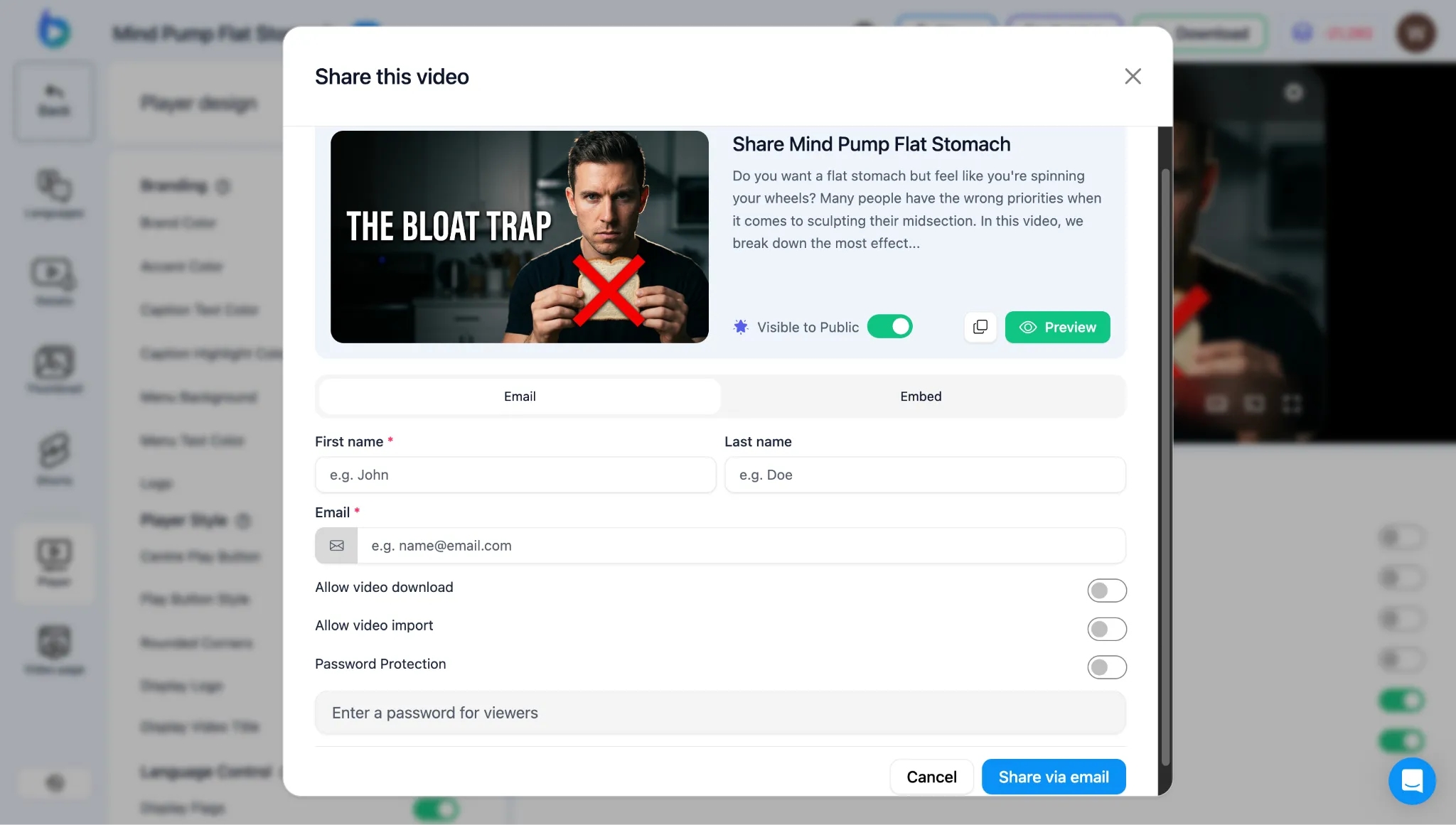
- Personalizar la página de video pública: Cada proyecto tiene una página de destino lista para compartir. Personaliza el diseño de la página, los campos de descripción y las propiedades de uso compartido en redes sociales para ofrecer una experiencia de visualización con tu marca.
- Opciones para compartir video: Copia códigos de inserción listos para integrar el reproductor directamente en tu sitio web o LMS, o copia un enlace directo y de marca para compartir públicamente con tus clientes.