
Establecer Bandera Preferida en Braiv Player
Aquí se explica cómo establecer la Bandera Preferida:
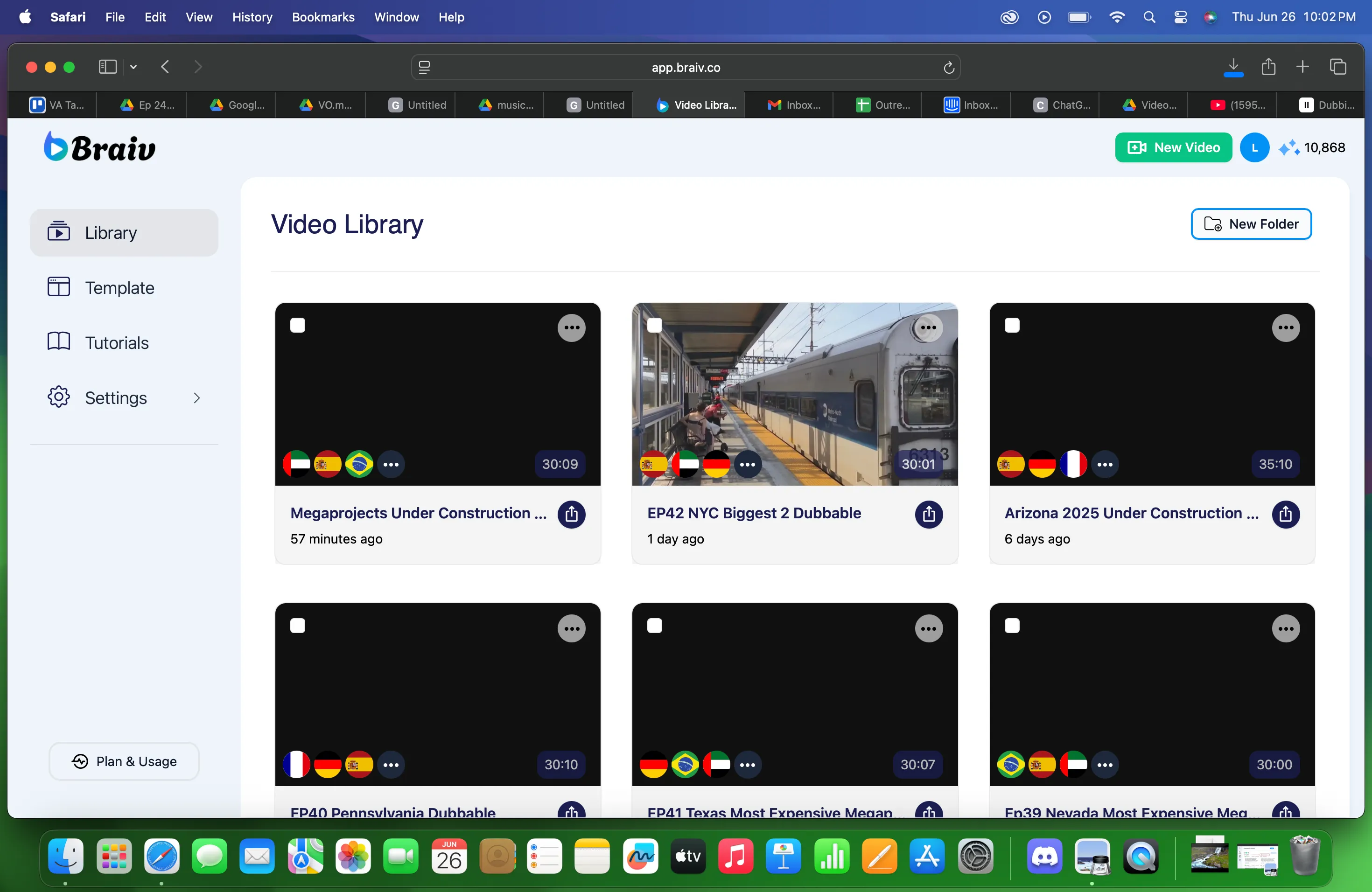
- Elija un archivo en la Biblioteca de Videos.
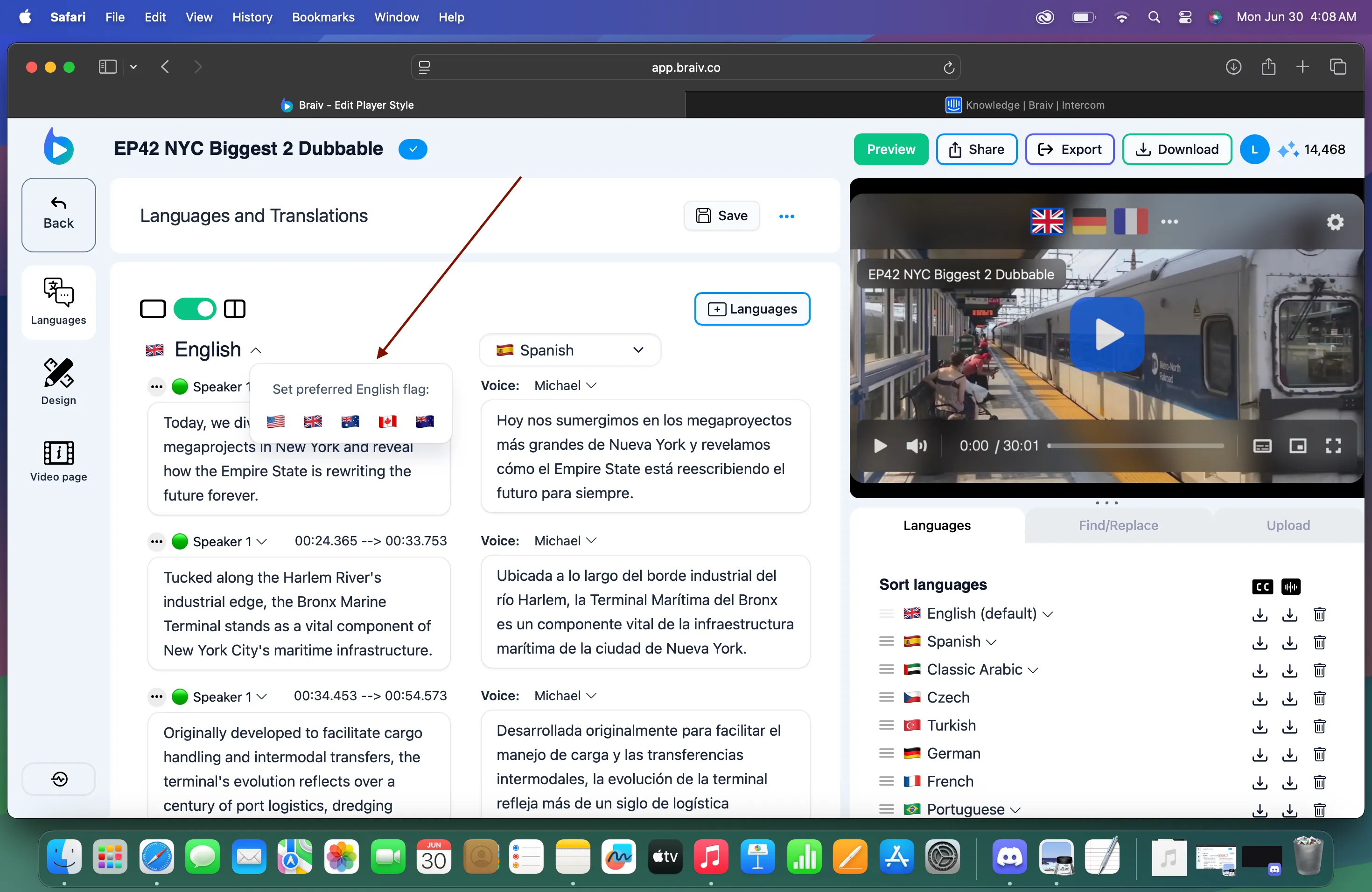
- Luego elija la bandera que prefiera. La bandera también indica el tipo de inglés que está seleccionando.
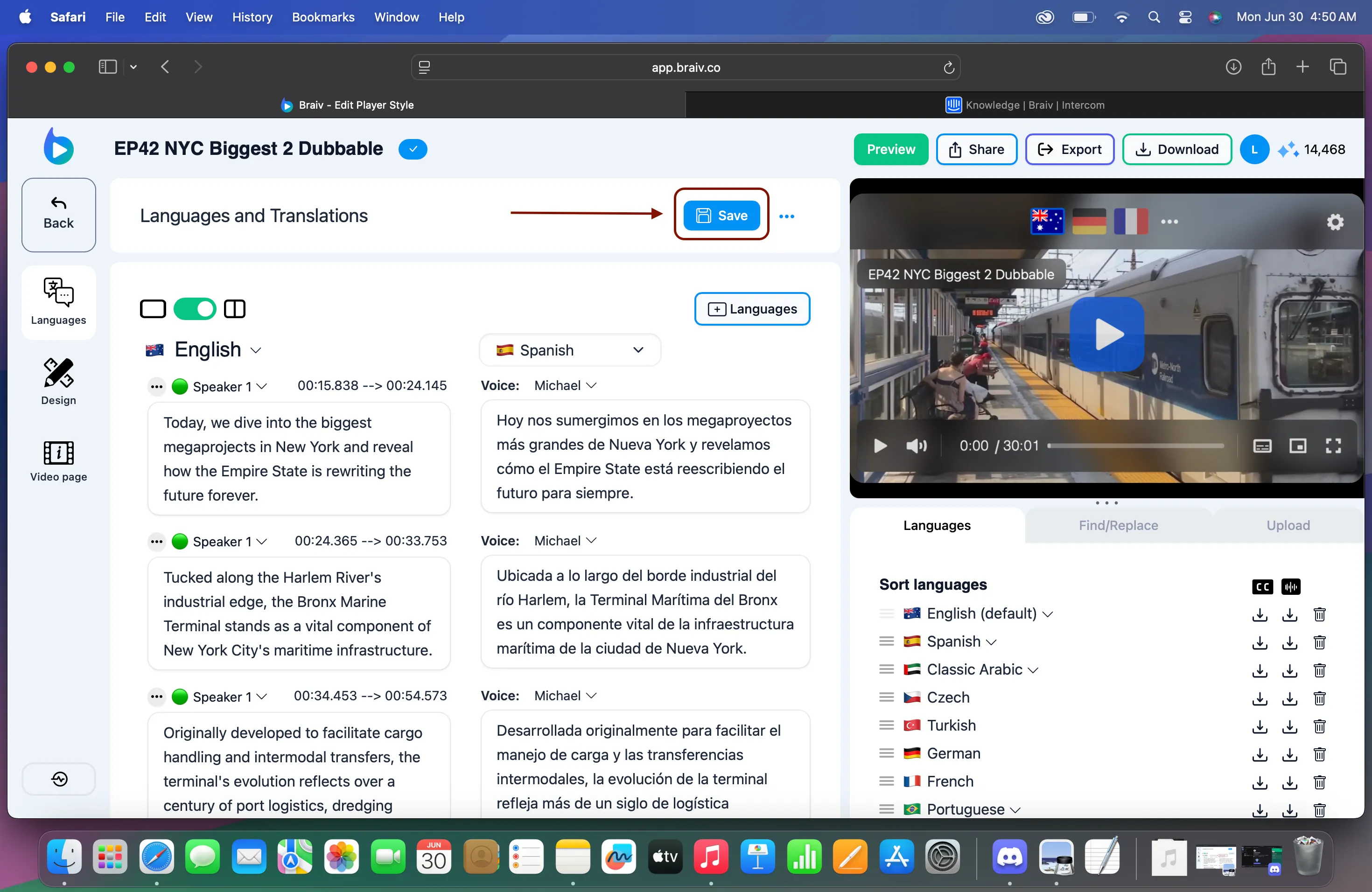
- Haga clic en Guardar.
Braiv actualmente es compatible con los siguientes idiomas para banderas localizadas:
-
Inglés
-
Español
-
Árabe
-
Portugués