Braiv Dubbing Overview
Welcome to Braiv Dubbing!
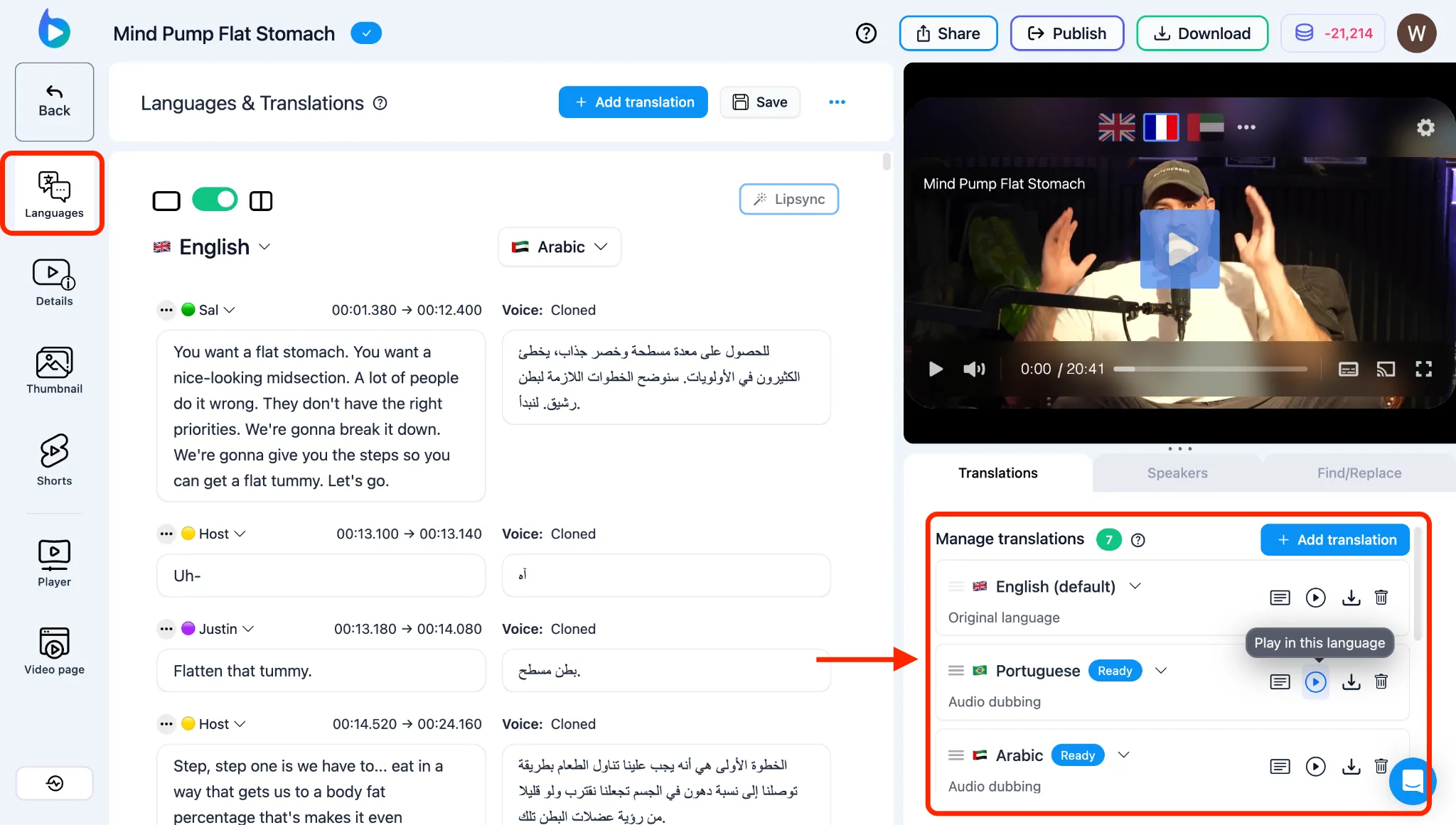
Braiv Dubbing is the core engine for localizing your video content. Once your video is in the Braiv Studio, you can translate and voice-clone your audio across 80+ languages—preserving the emotion, tone, and identity of the original speaker.
This overview acts as a map to help you navigate the end-to-end dubbing and translation ecosystem.
Choose your dubbing quality: Premium or Plus
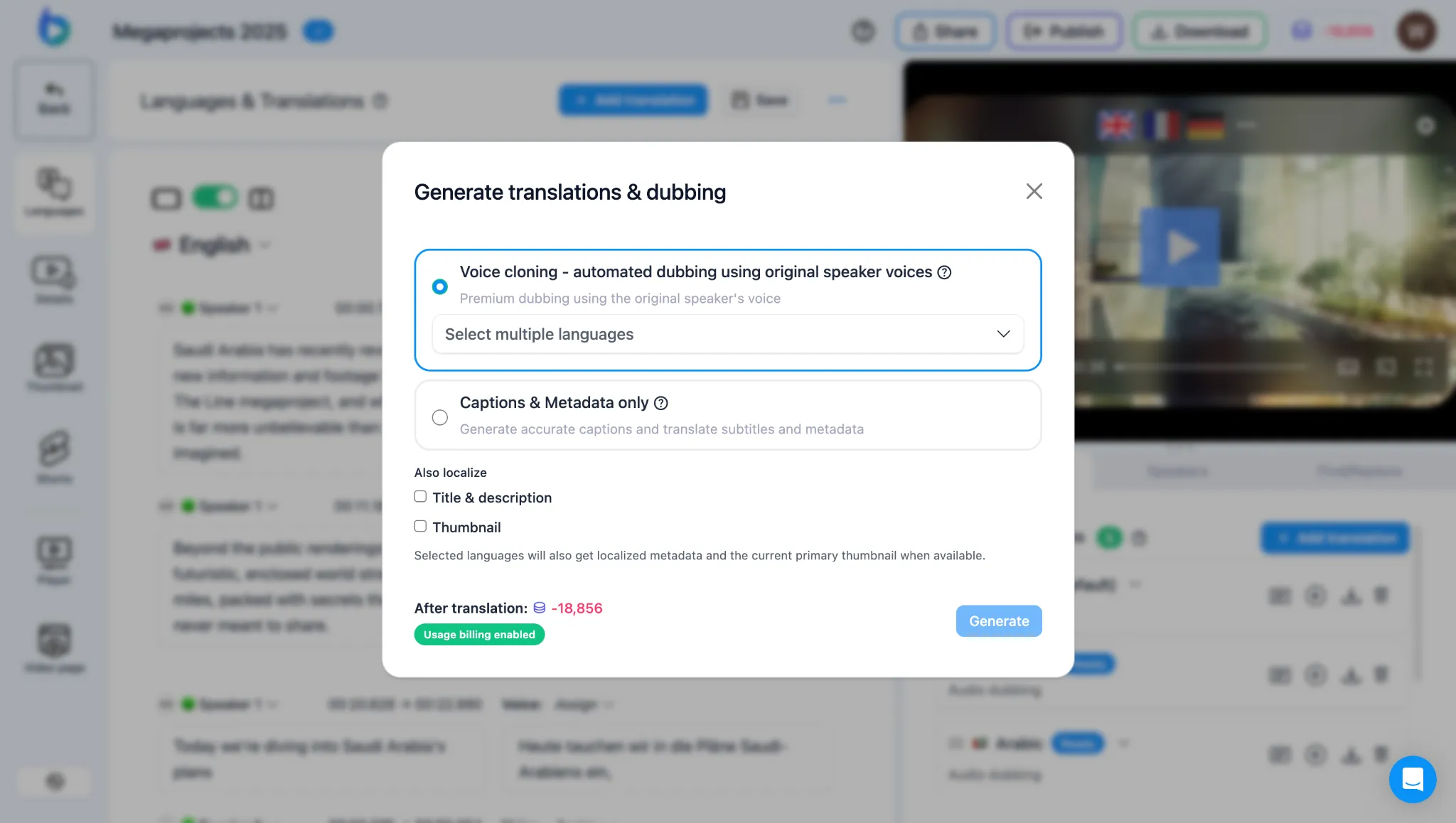
Section titled “Choose your dubbing quality: Premium or Plus”Every voice-cloned dub runs on one of two tiers. Both clone the original speaker; they differ in quality, speed, accents, and credit cost.
- Braiv Dubbing Premium: Highest quality and fastest turnaround, with localised accent options for French, English, Spanish, and Portuguese. 24 AI Credits per minute of source video (per language).
- Braiv Dubbing Plus: More affordable cloning powered by our in-house Braiv Speech model. Cost-effective, but not as fast or as high quality as Premium. 18 AI Credits per minute of source video (per language).
Full side-by-side detail: Braiv Dubbing Premium vs Plus.
The Localization Workflow
Section titled “The Localization Workflow”Whether you are adding a single language track or localizing for a global audience, Braiv provides a streamlined workflow to get you from import to output:
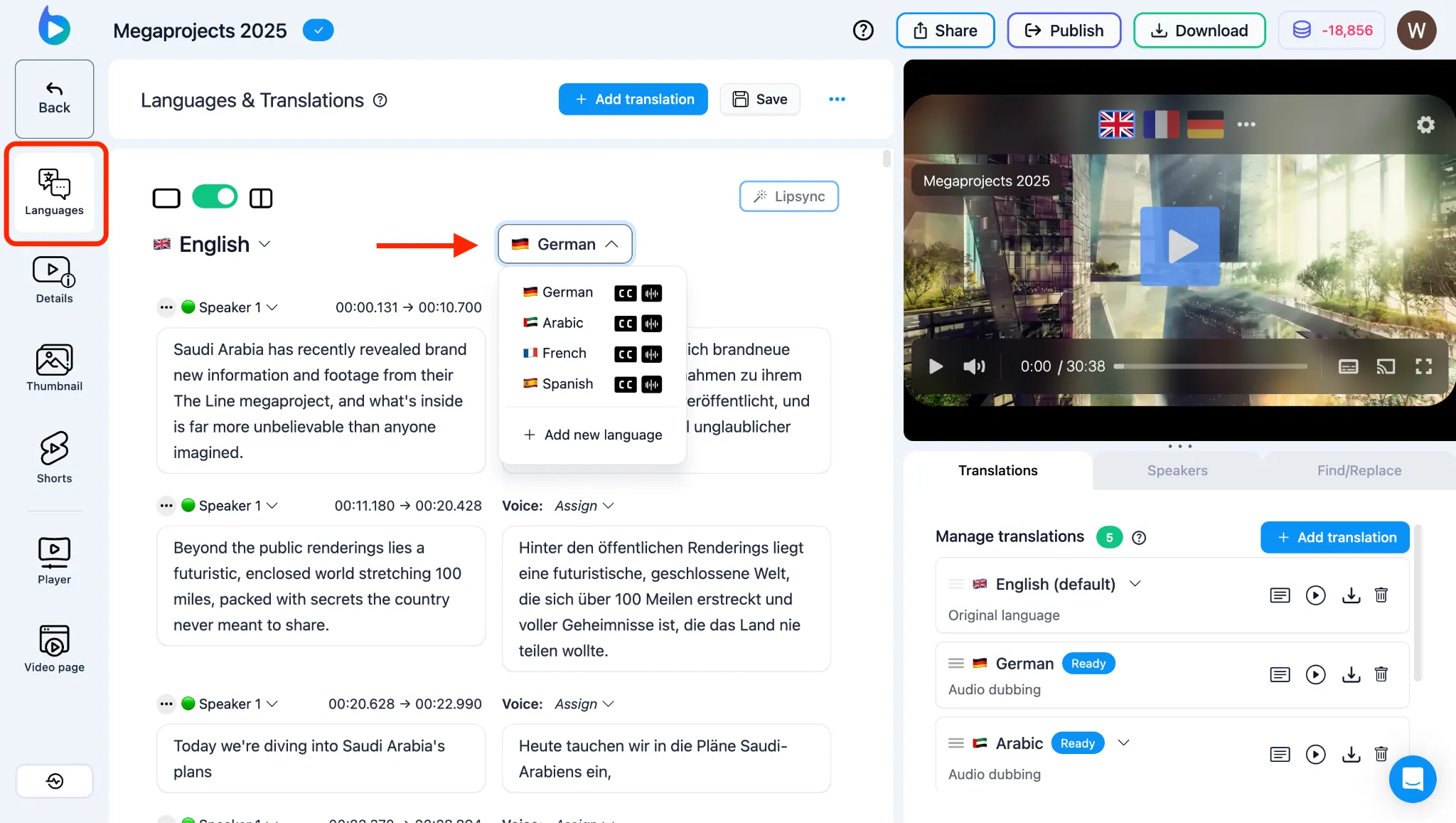
- Add Additional Languages: Select your target languages and kick off translation and voice-cloned dubbing.
- Translate Captions & Metadata: Ensure your captions are fully localized and translate your titles, descriptions, and tags for global SEO.
- Voice Cloned Dubbing: Clone the speaker’s voice with editable transcripts; pick Premium or Plus when you configure languages.
Reviewing and Fine-Tuning
Section titled “Reviewing and Fine-Tuning”AI handles the heavy lifting, but the Braiv Studio editor gives you complete creative control to ensure every syllable is perfect.
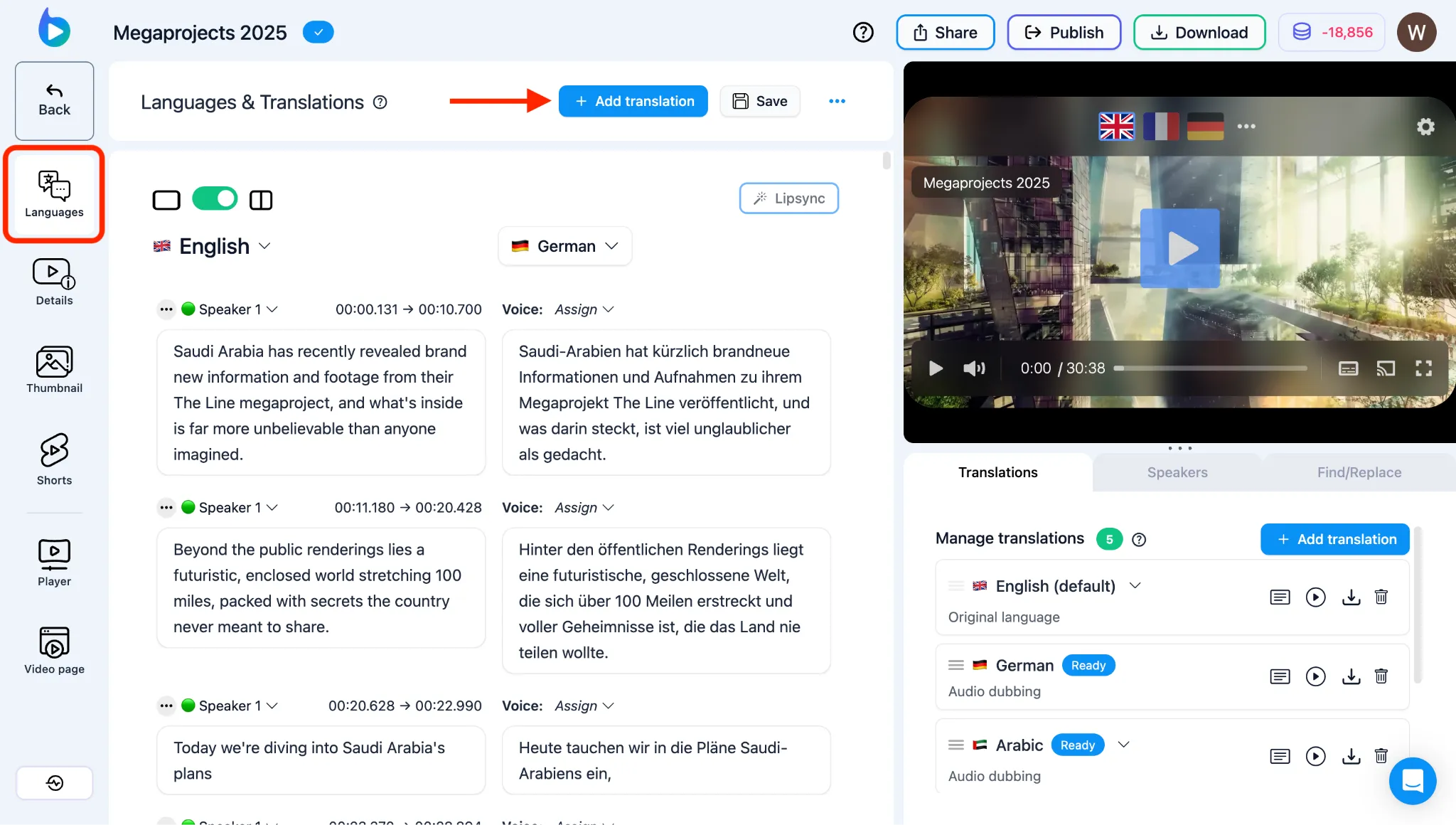
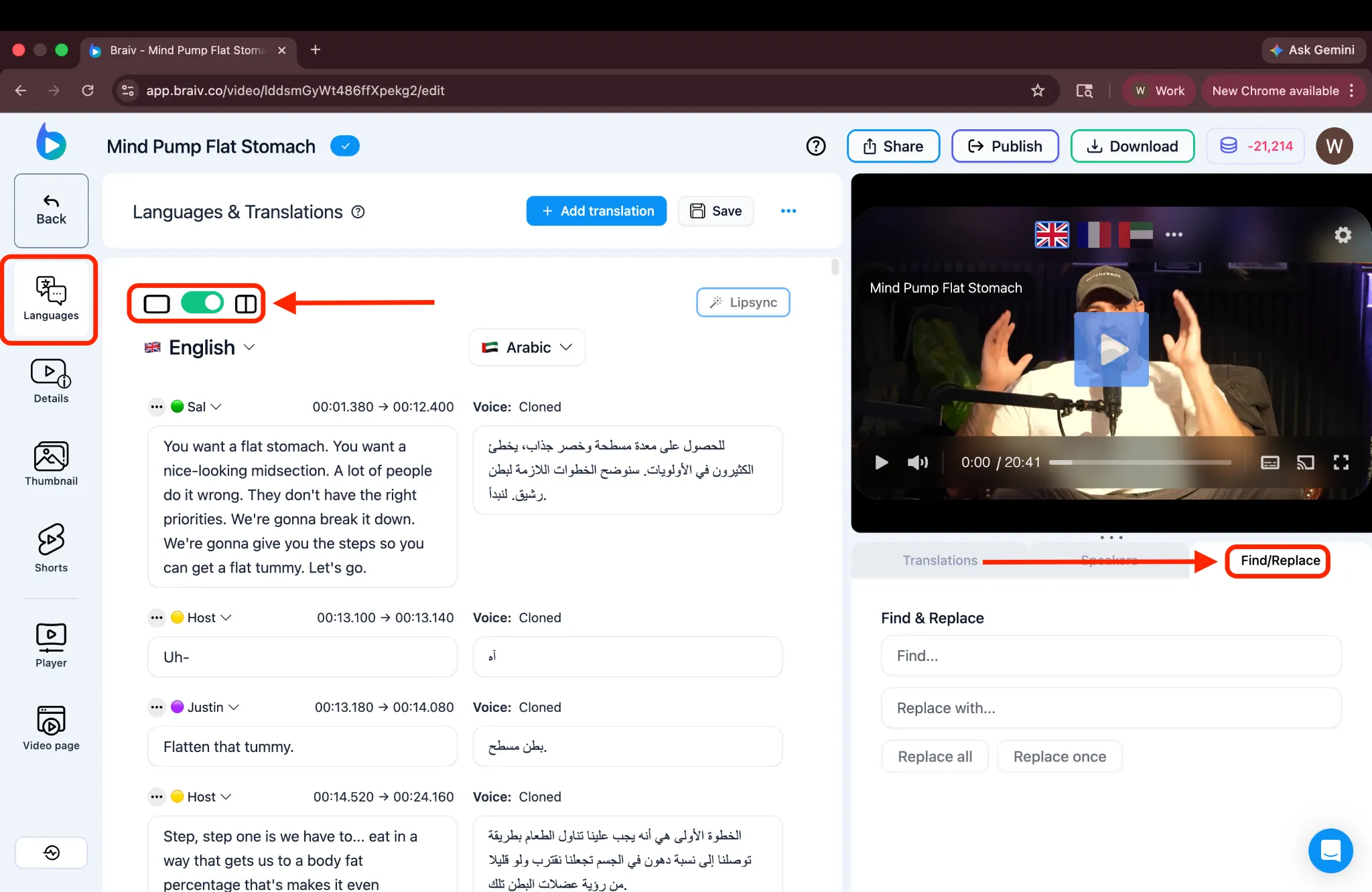
- Split View Editing: Open the side-by-side split view editor to compare your source transcript directly against the translated translation.
- Find and Replace: Perform global find-and-replace text edits to quickly adjust brand names, terminology, or localized terms across your entire transcript.
- Editing & Regenerating AI Dubbing: Correct translated text segments and instantly regenerate the corresponding audio tracks.
Advanced Audio & Visual Features
Section titled “Advanced Audio & Visual Features”For professional-grade localization, Braiv includes tools to manage complex scenes and visual synchronization.
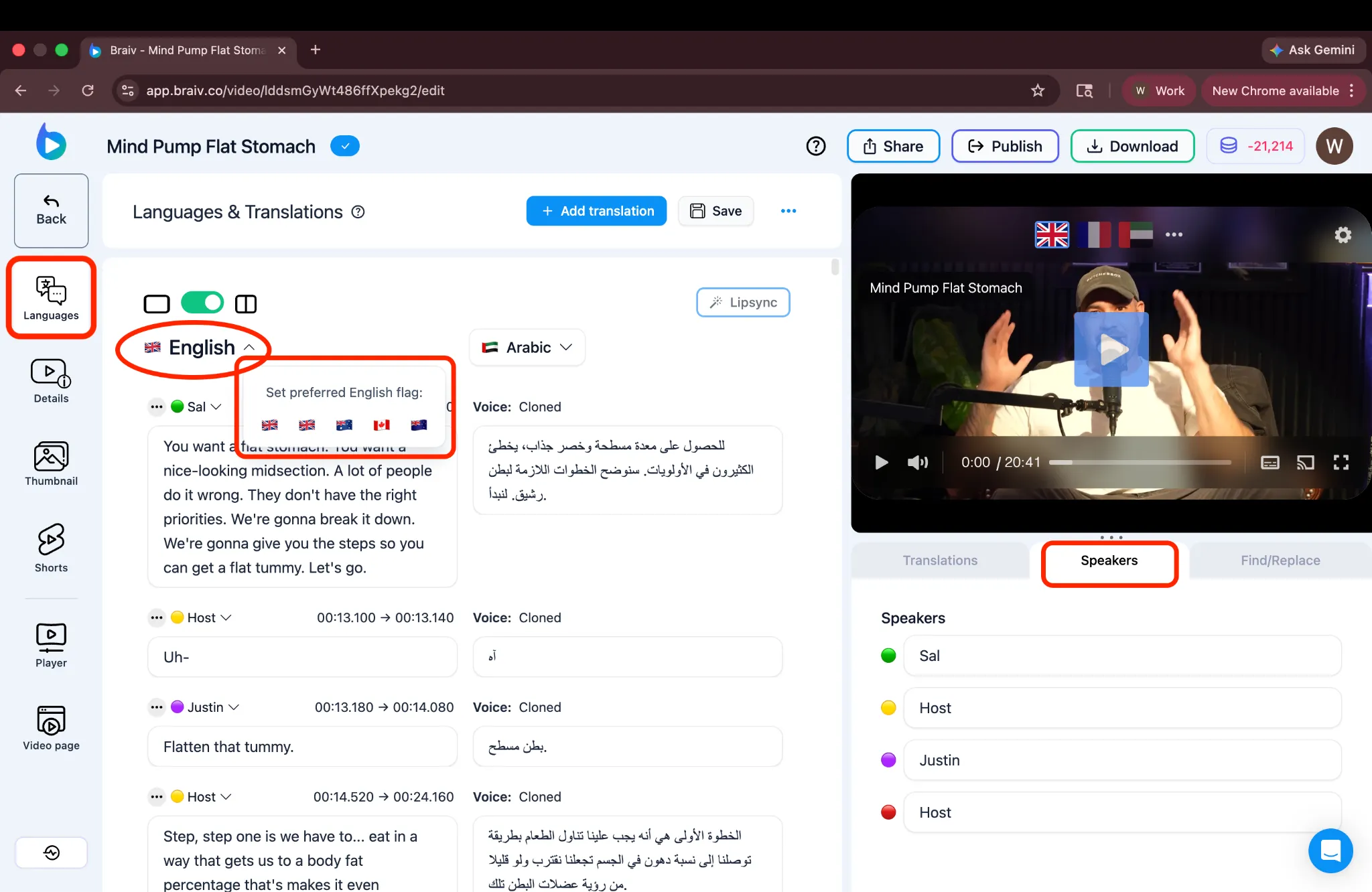
- Speaker Assignment: Identify and assign different cloned voices to multiple speakers in an interview or panel.
- AI Lip-Sync: Eliminate the “dubbed look” by using generative AI to synchronize the speaker’s mouth movements with the new translated audio.
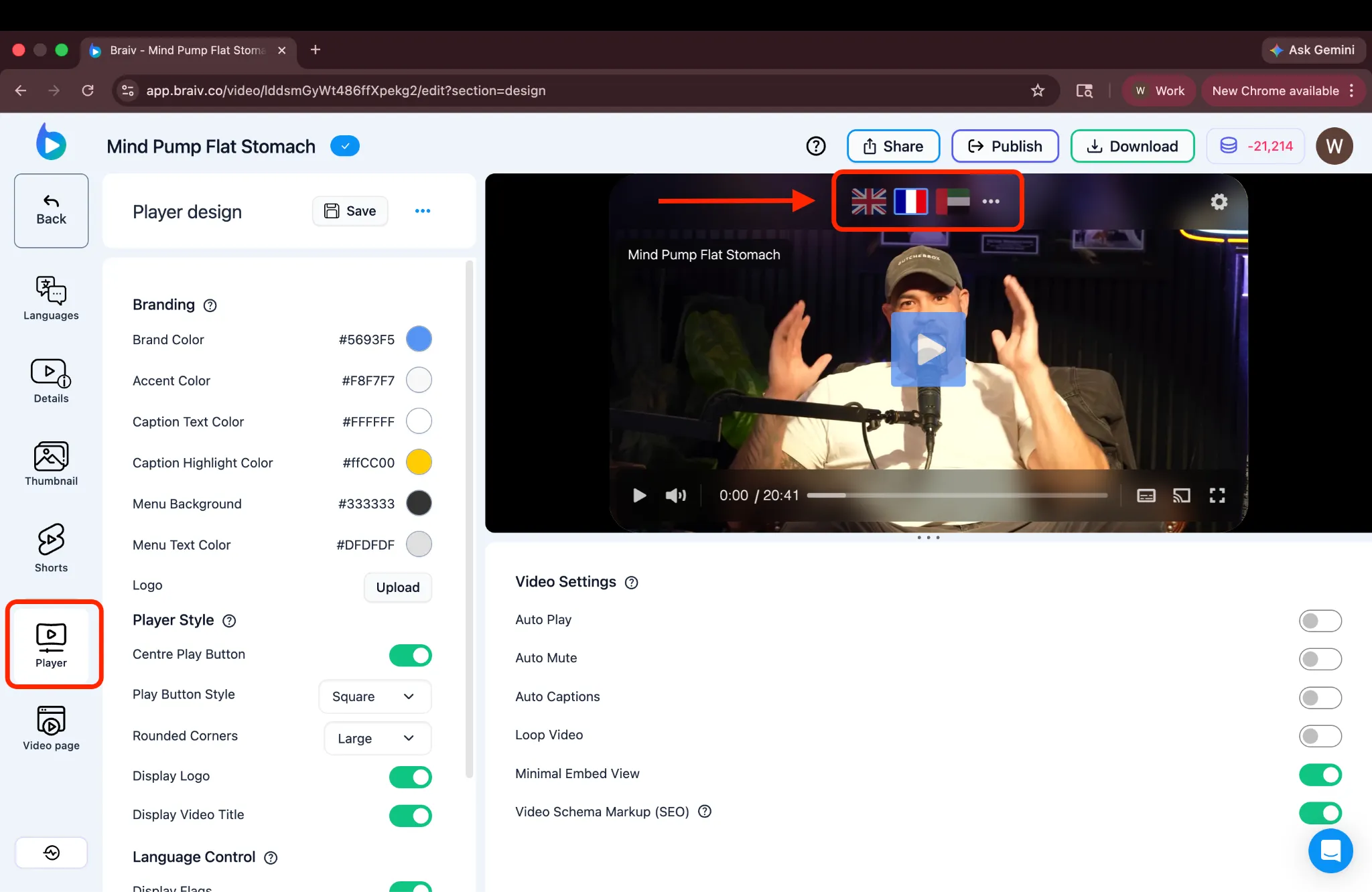
- Set Preferred Flag: Customize which regional flag appears in the player for specific language options (e.g., Brazilian vs. Portuguese flag).
Downloading & Distribution
Section titled “Downloading & Distribution”Once you are happy with your dubs, you can export them for use in external editors or host them directly with our custom player.
- Downloading Audio or Captions: Export your translated audio files (MP3/WAV) or caption formats (SRT/VTT) for local post-production.
- Viewing Translations in Braiv Player: Preview and inspect how your new languages look and sound in the interactive multilingual player before publishing.