
Navigating Braiv Studio (The Command Center)
Braiv Studio is the command center for a single project. After you import a video (or audio), Studio is where you localize, package, and prepare it to publish.
This article is a map of the Studio tabs — what each area is for, and where to go for step-by-step guides. It is not a how-to tutorial.
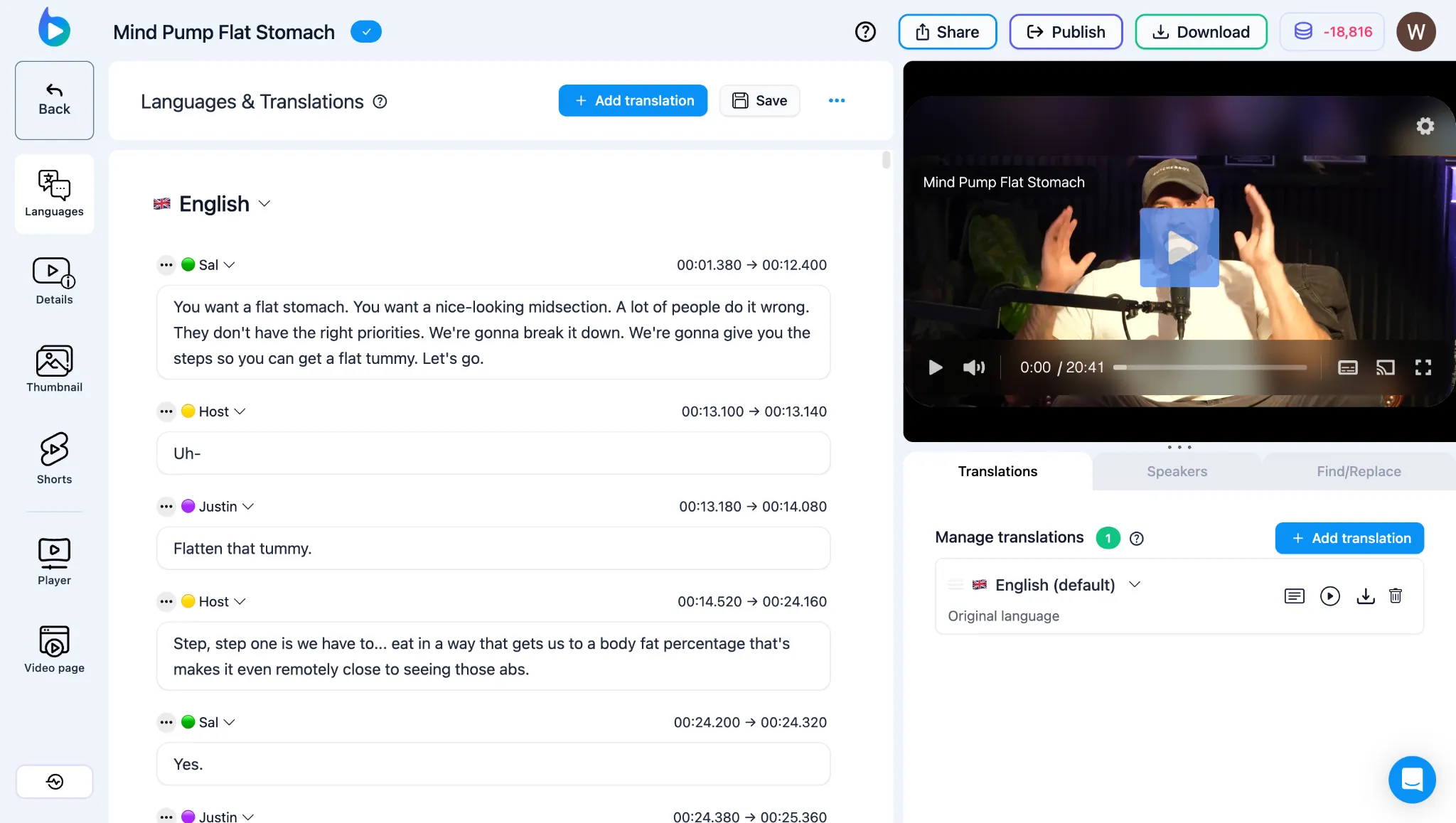
Studio tabs
Section titled “Studio tabs”- Languages: Captions, speakers, dubbing outcomes, regenerations, and AI lipsync. Start with Languages panel outcomes and the Braiv Dubbing hub.
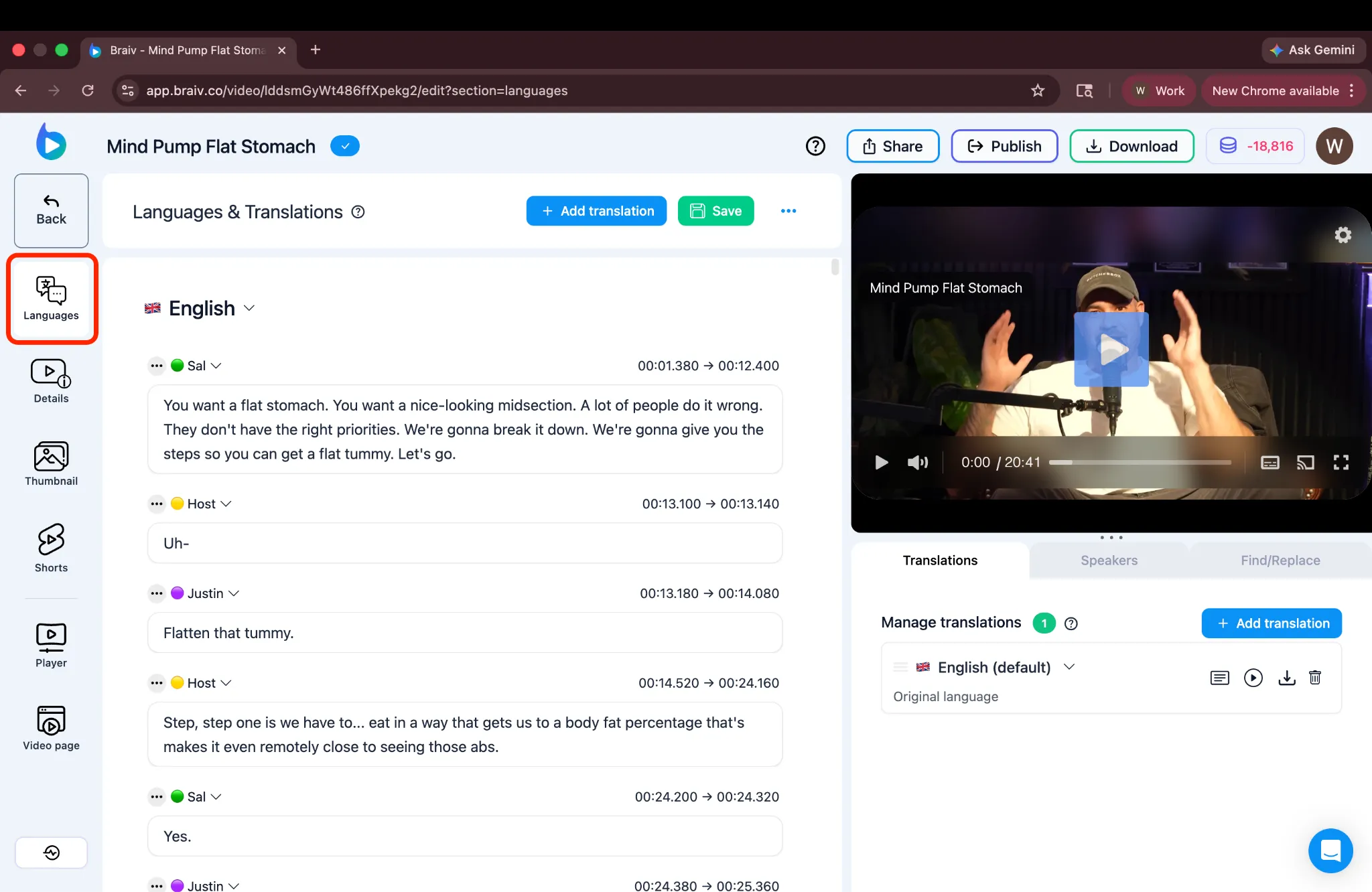
- Details: Titles, descriptions, tags. Generate Video Description · Translate title & description.
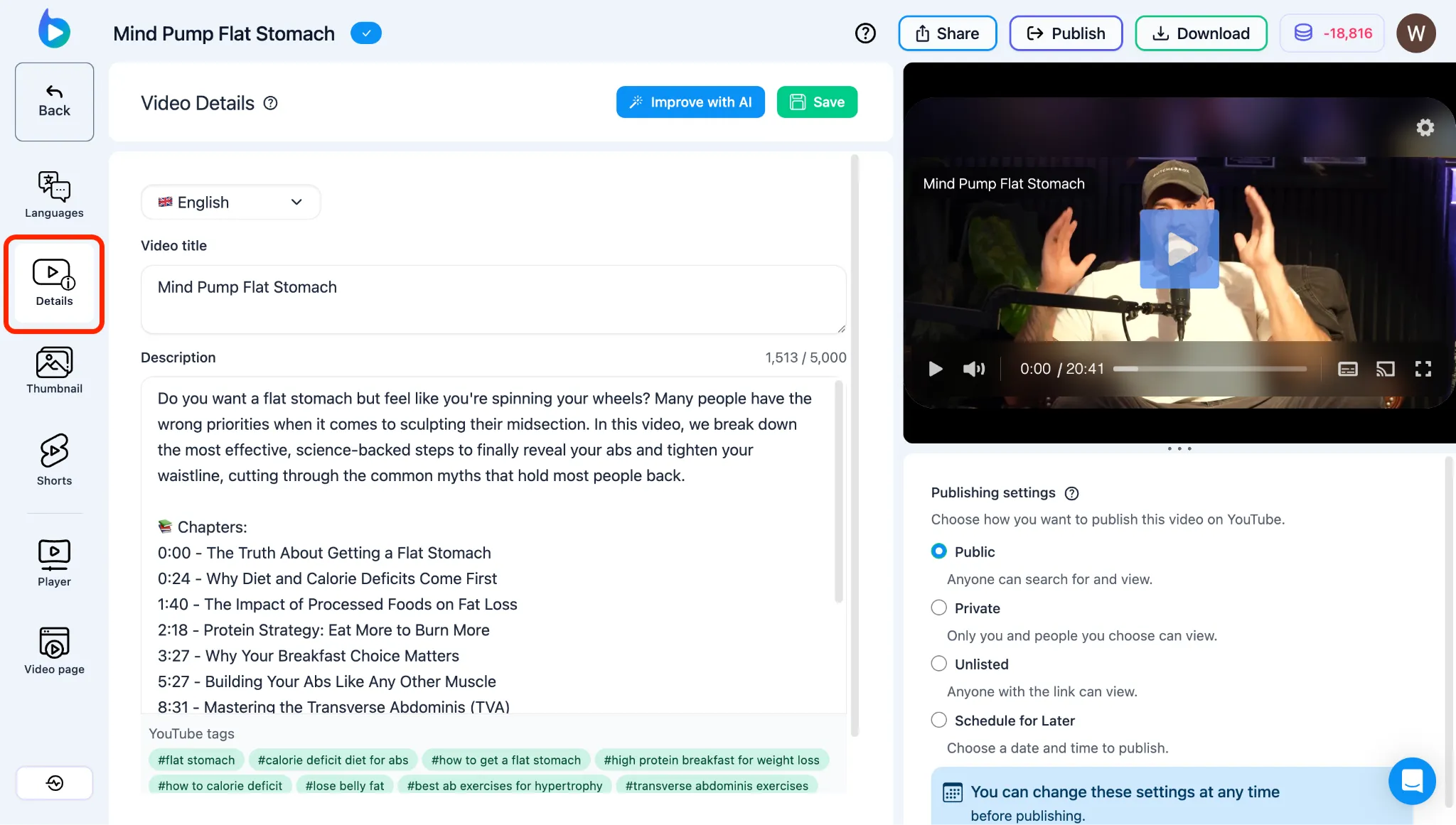
- Thumbnail: Generate, Score & Fix, Characters, translate, set primary. Hub: Braiv Thumbnails.
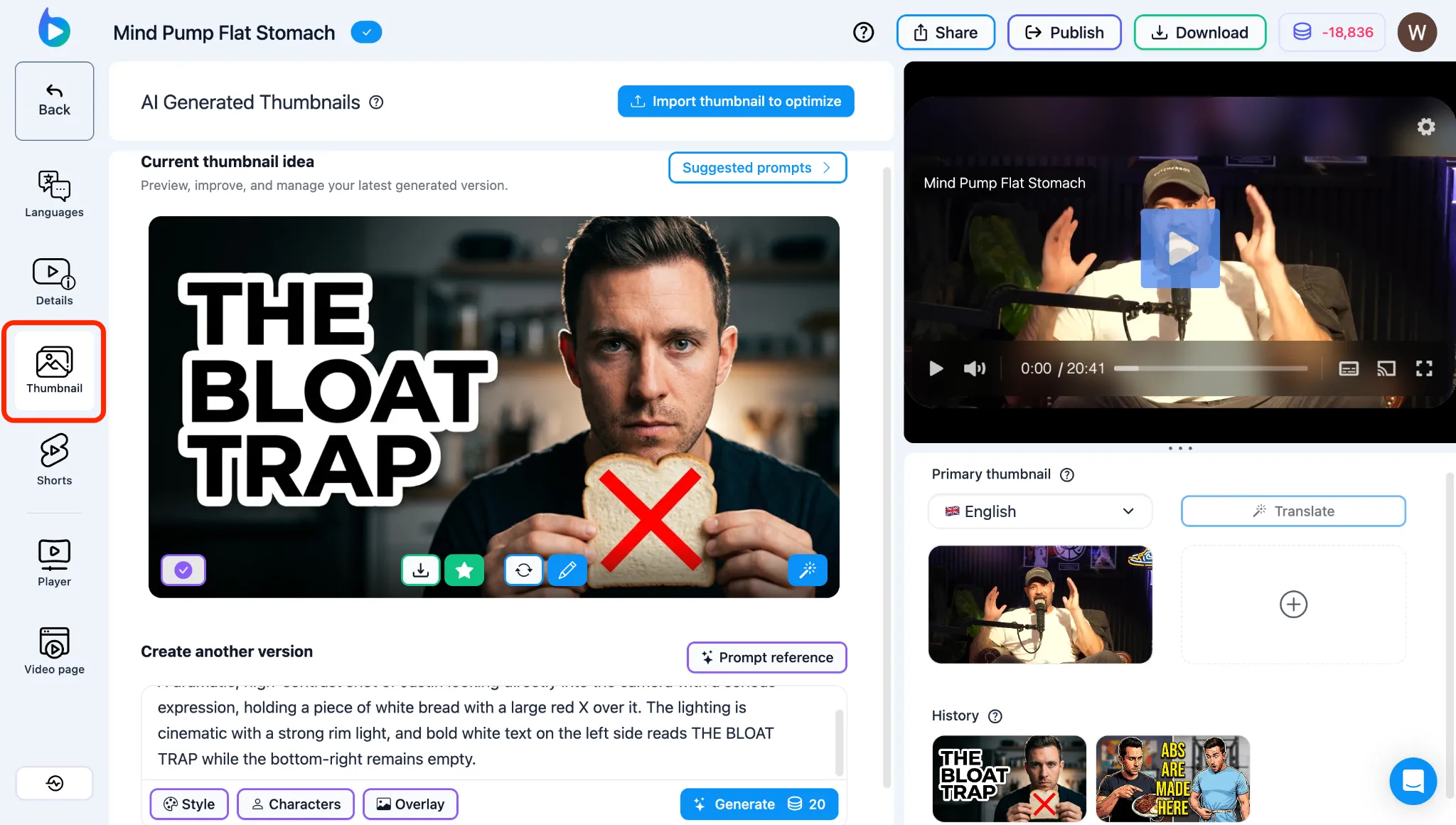
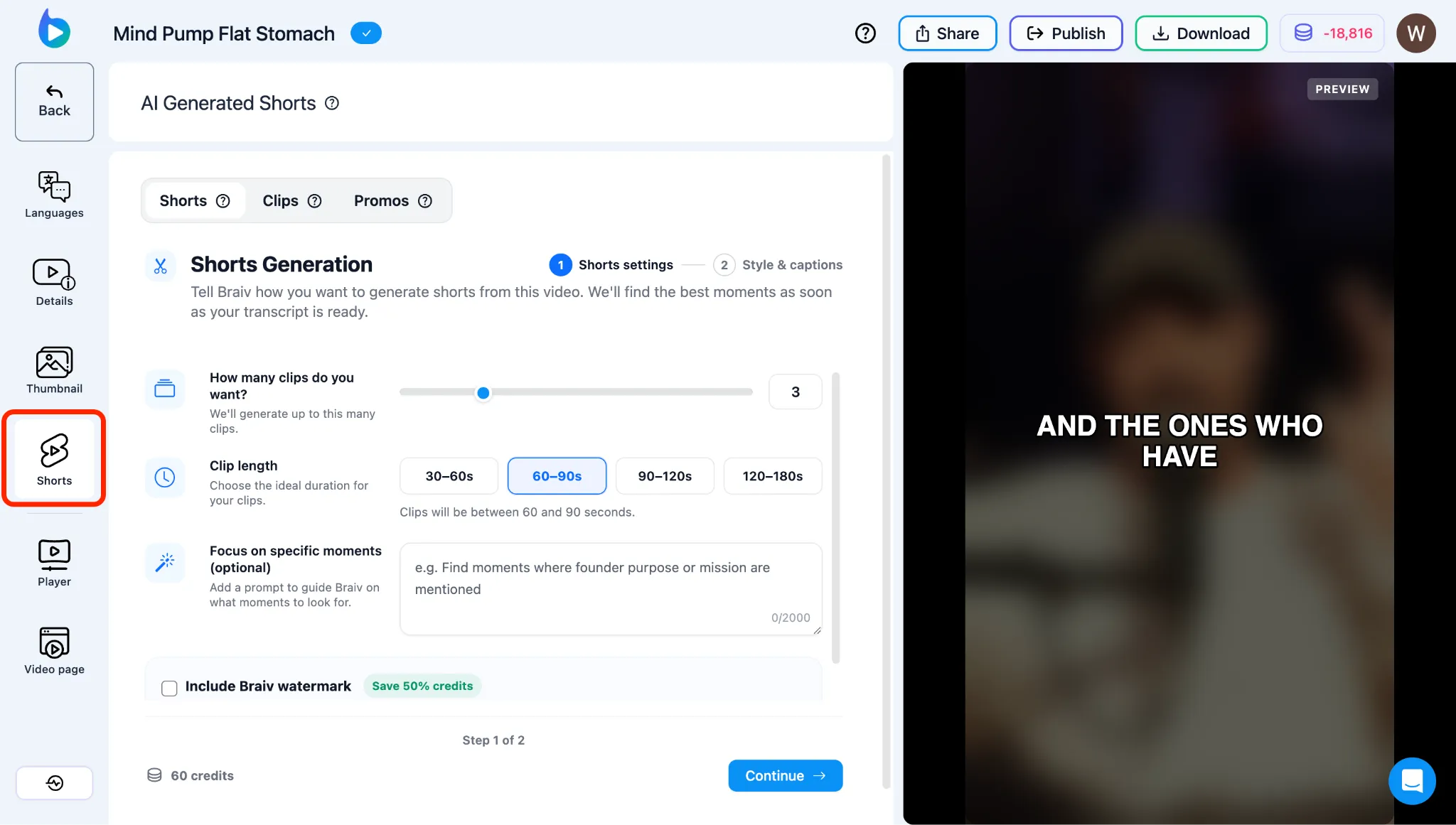
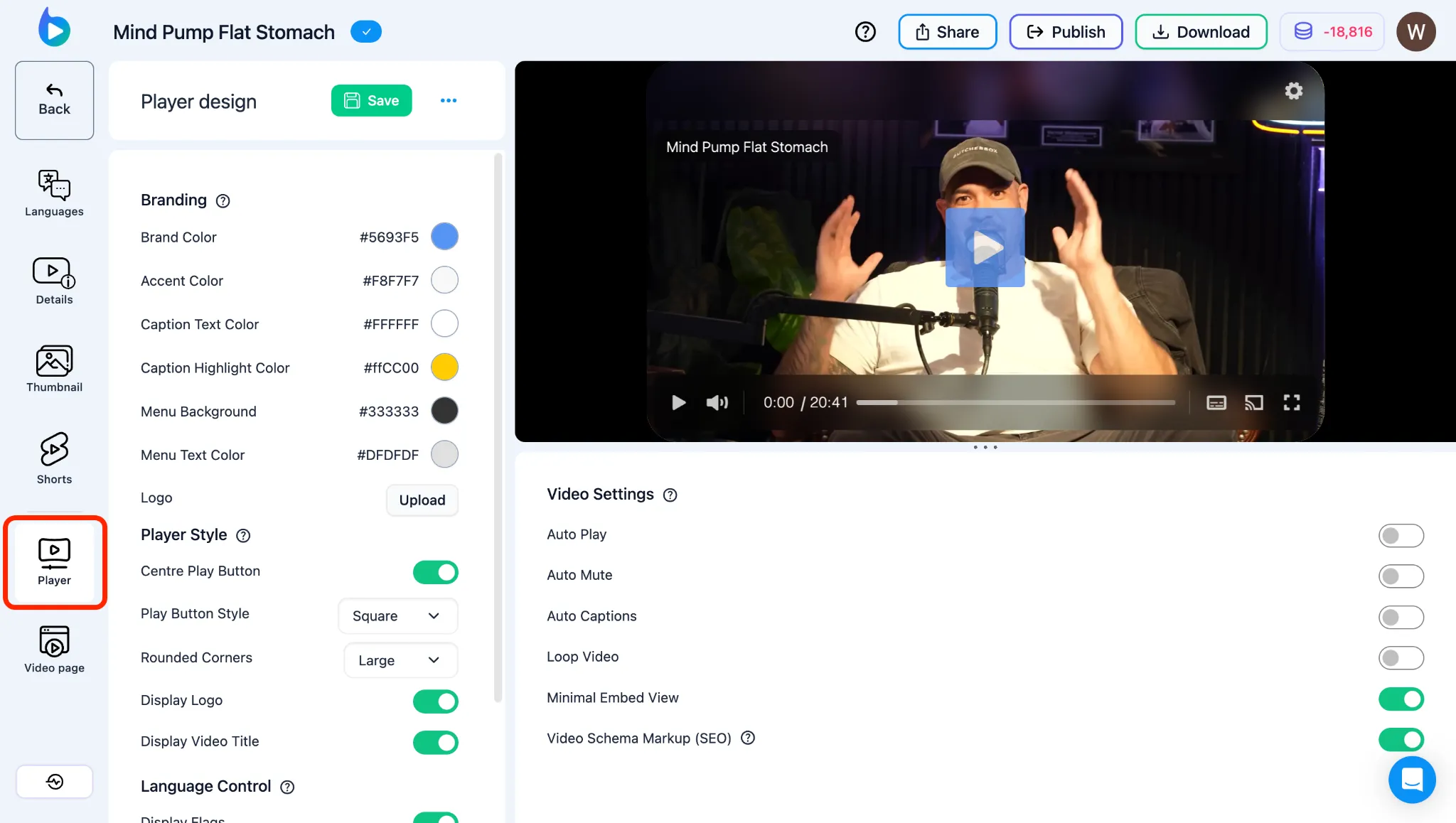
- Player: Design and playback. Hub: Braiv Player.
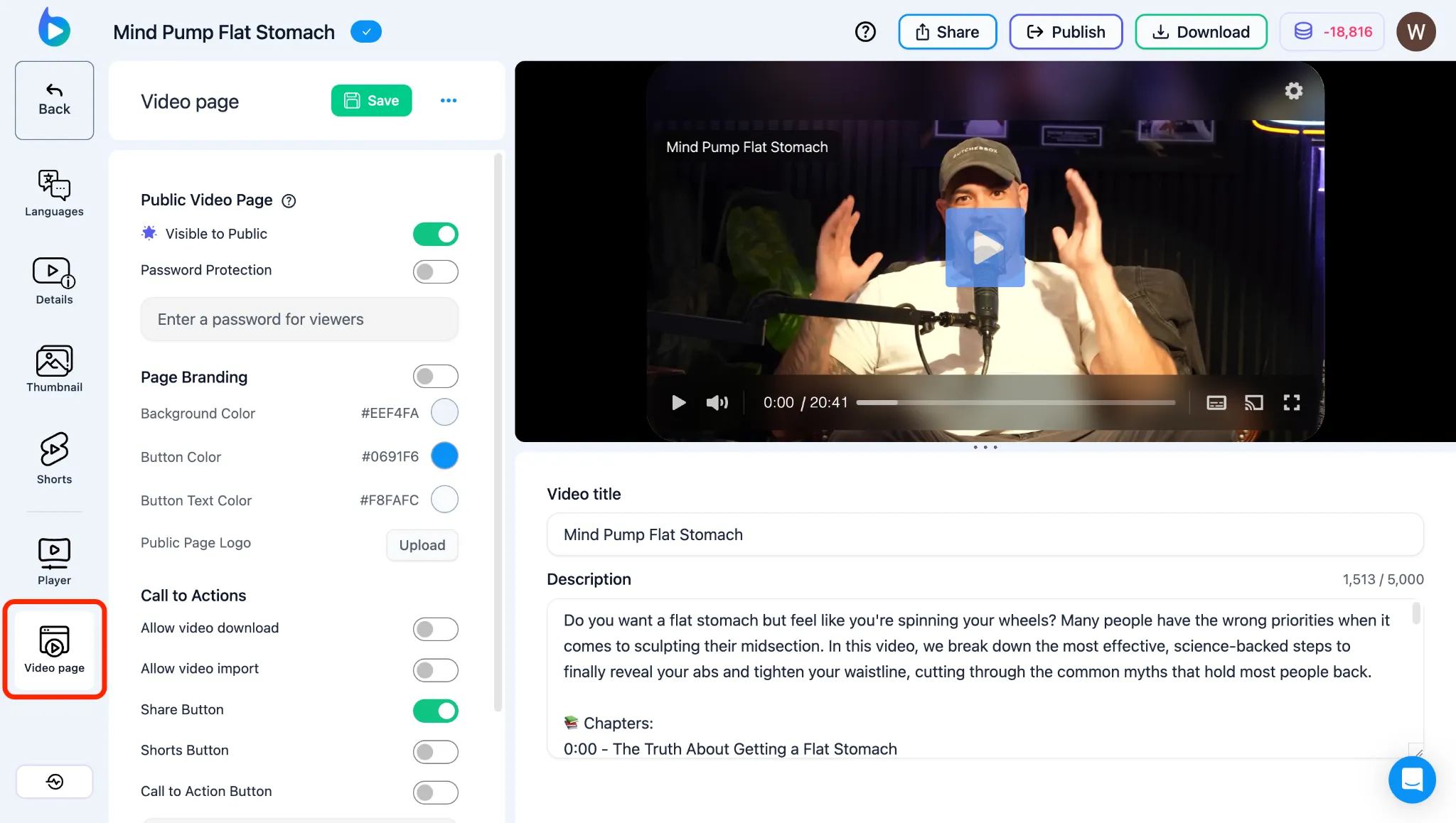
- Video page: Public landing page — Personalize the Public Video Page.
Top actions in Studio
Section titled “Top actions in Studio”- Share — Video Sharing Options (Video Page / Embed / Translation review)
- Publish — Publish to YouTube (single project) · library bulk publish
- Download — Downloading Captions & Translated Videos