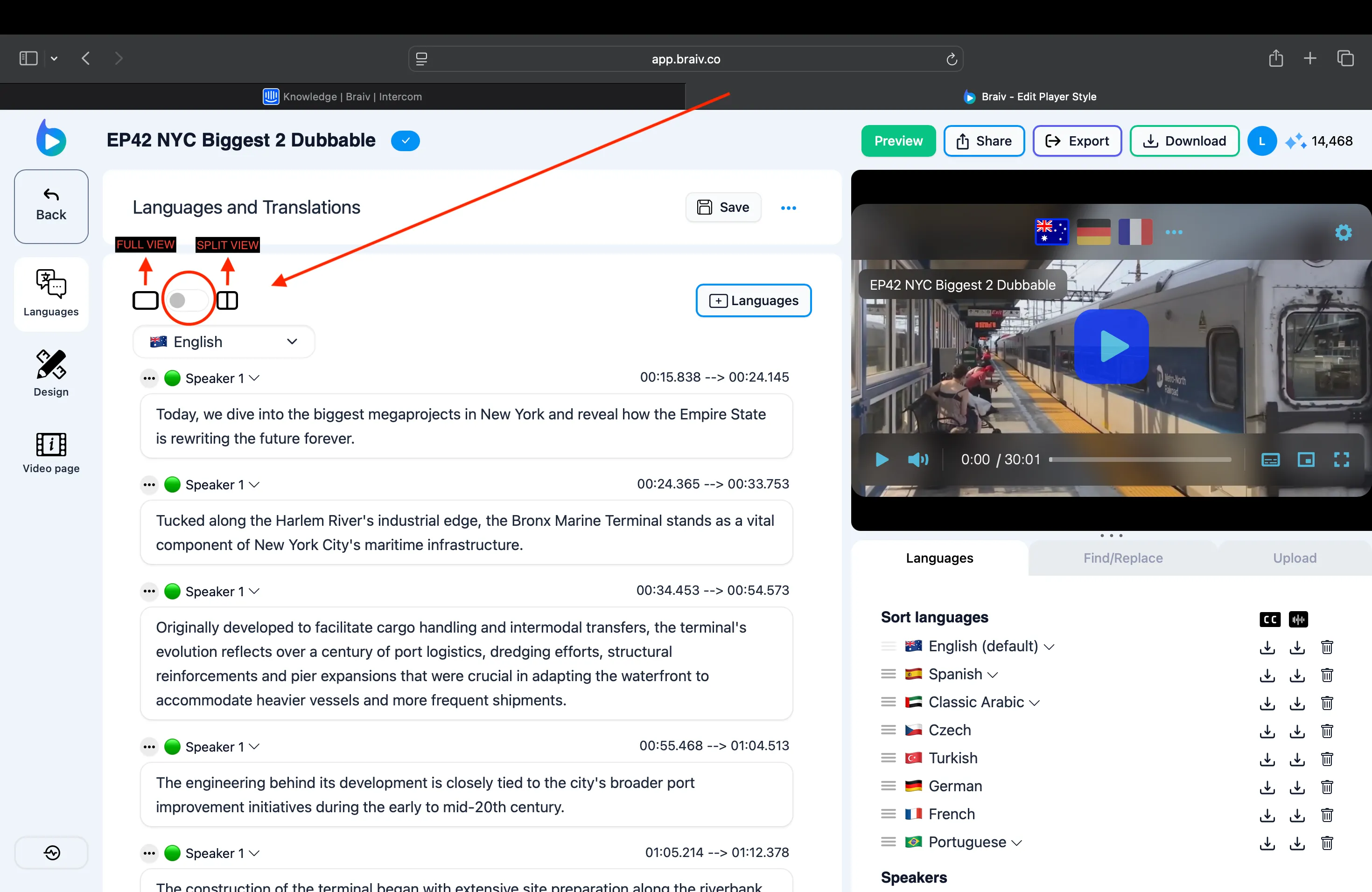
Alternando entre Edição com Visualização Completa e Visualização Dividida
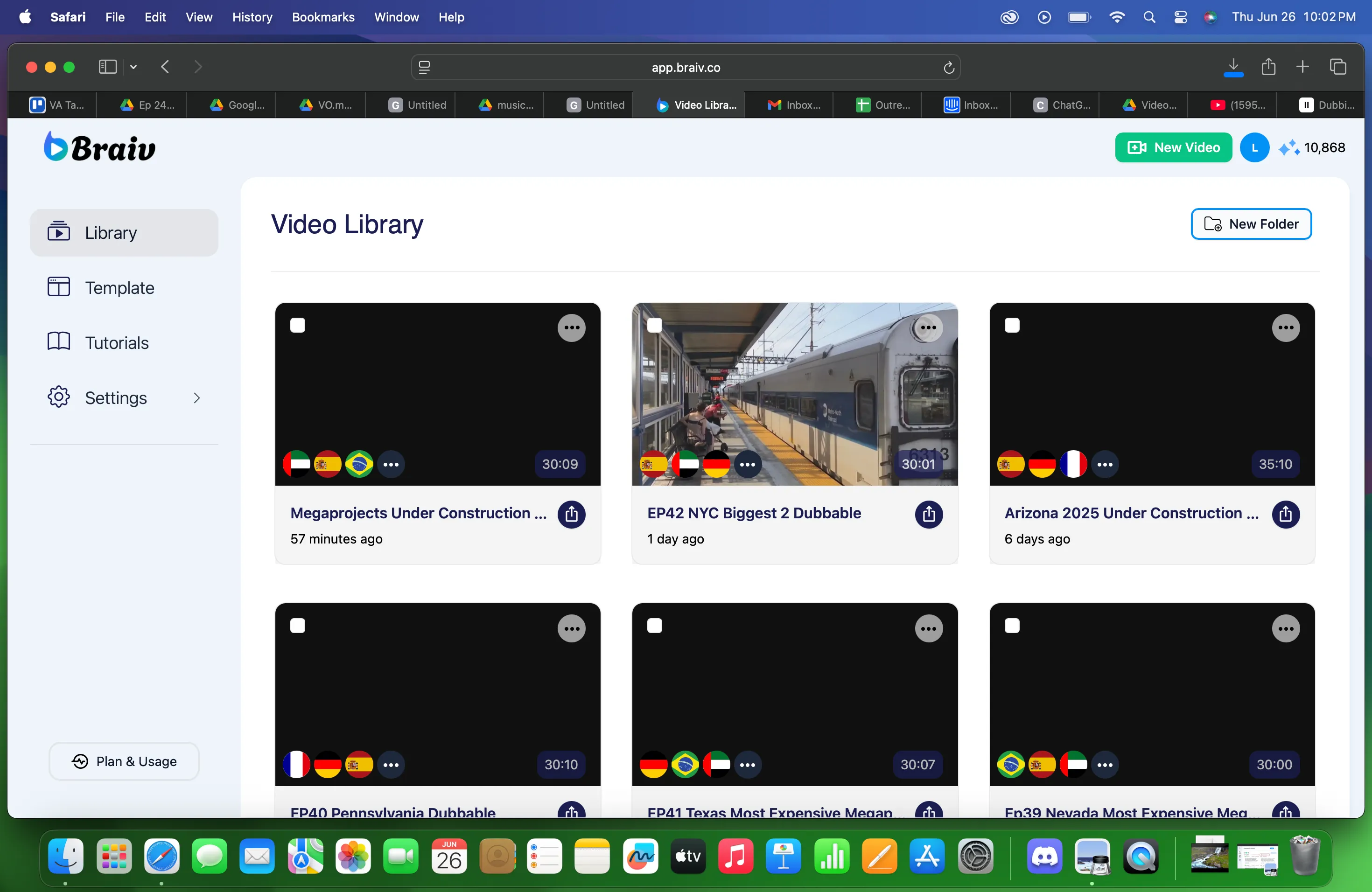
- Escolha o arquivo da Biblioteca de vídeos
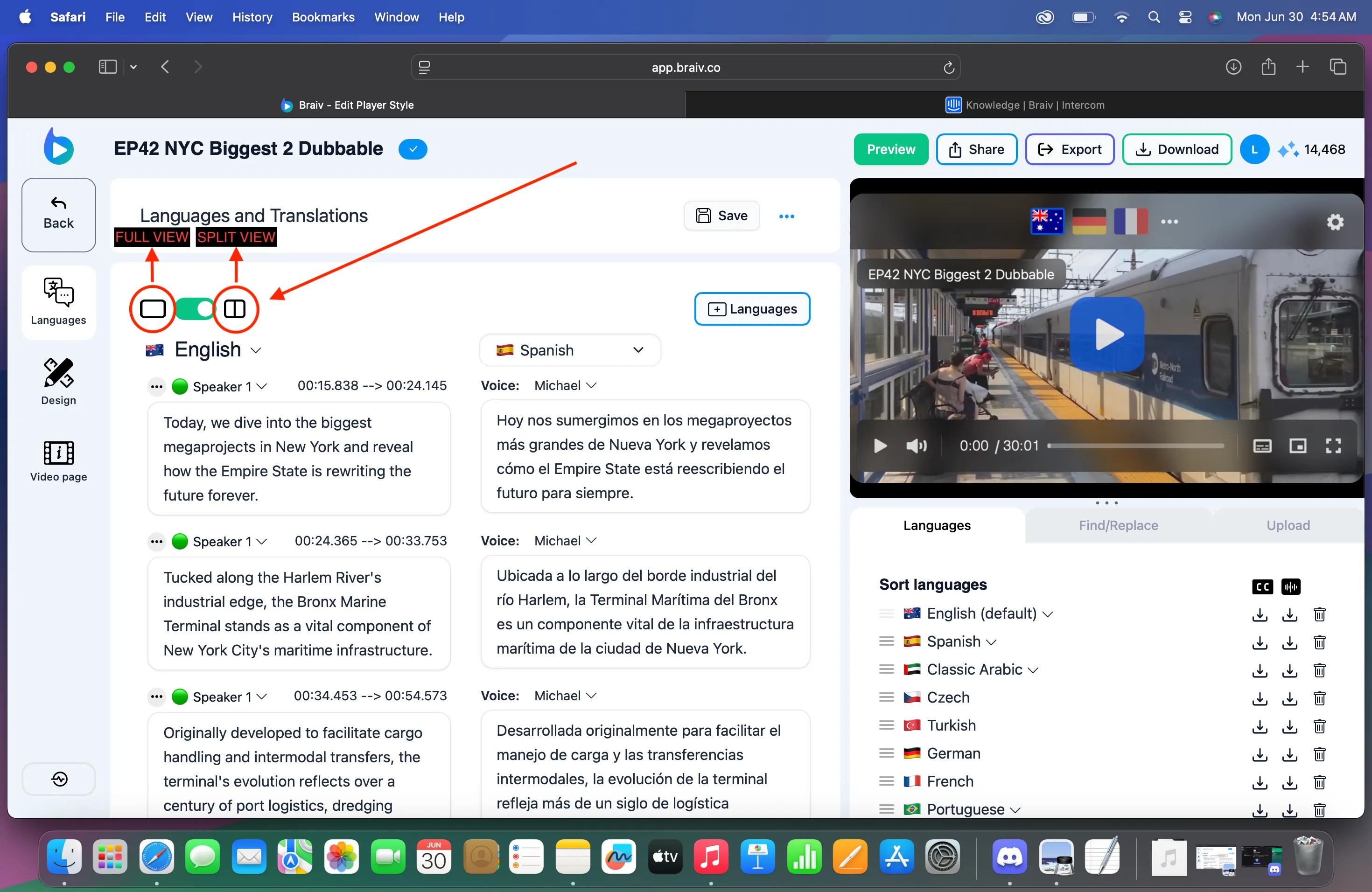
- Na tela de Idioma e Traduções, você verá uma barra de alternância verde. Clique nela para escolher Visualização Completa ou Dividida.
A VISUALIZAÇÃO COMPLETA permite que você visualize a legenda completa dos idiomas do vídeo que você carregou. Basta alternar entre os idiomas usando o menu suspenso.
Enquanto a VISUALIZAÇÃO DIVIDIDA permitirá que você tenha tanto o idioma original quanto o traduzido.
Visualização Dividida:
Visualização Completa: